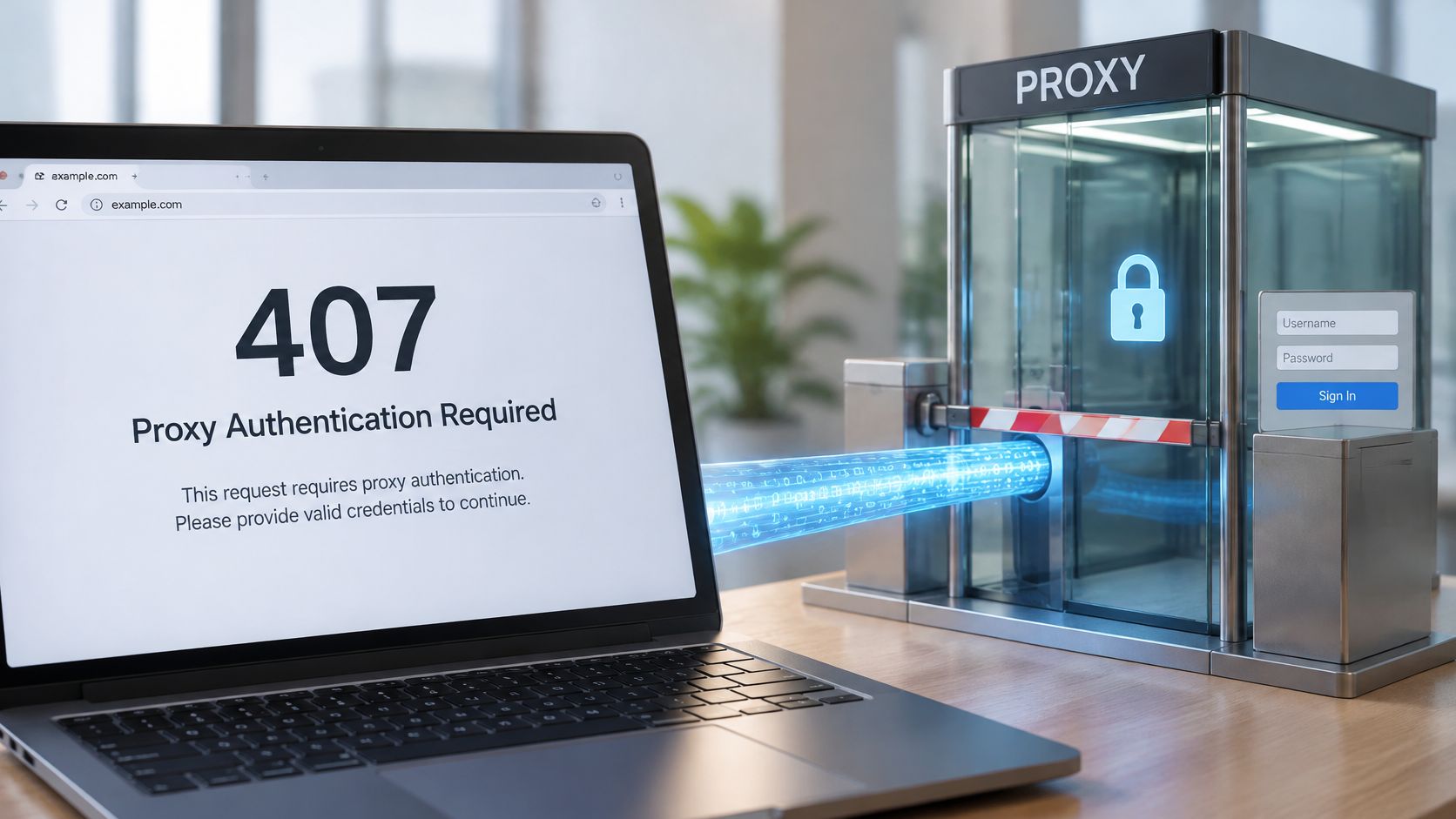
Your scraper ran fine yesterday. This morning every request stops at the same wall, and your social tool, price checker, or QA script won't load a single page. If you're seeing HTTP response code 407, don't start by resetting the website password or swapping an API token. Something between your client and the destination is asking for credentials first. Find which hop is asking, fix that hop, and most 407s clear in minutes.
Diagnose a 407 Error by Symptom
Say a data team's monitoring job worked overnight, then started failing on every request after a routine config change. The destination site hasn't changed. The proxy layer has, or the client has stopped proving it may use that proxy. That's the pattern behind most sudden 407s, and it's why symptom matching beats random setting changes.
Use the table below before you touch anything else. It follows a systematic approach to network faults from Networking2000, which is useful here because a 407 tells you a proxy answered, but it doesn't tell you why it rejected you.
HTTP 407 Symptoms, Causes and First Fixes
| Symptom | Likely Cause | First Fix |
|---|---|---|
| Browser asks for proxy login or fails on every page | Missing or wrong proxy credentials | Re-enter the proxy username and password, then retry |
| Works in one tool, fails in another | Client does not send Proxy-Authorization | Set the proxy in that client's own settings, not only at OS level |
| Fails after a password or key change | Expired or rotated credentials | Update the stored credentials and retry |
| Fails only after a redirect | Proxy credentials dropped on the second hop | Confirm the client re-sends proxy headers on each hop |
| Works on one protocol, not another | HTTP proxy configured as SOCKS5, or the reverse | Match protocol and port to the provider's settings |
| Only some IPs or sessions fail | IP allow-list or rotation setting mismatch | Check the allowed IP list and the session or rotation mode |
| 407 with no challenge header visible | An unexpected proxy sits in the request path | Inspect each hop and remove or correct the extra proxy |
Find the row that matches what you're seeing and start there. If your browser prompts but your script works, you're not hunting a bad password, you're hunting a client that isn't sending proxy credentials. If only some sessions fail, don't rewrite the whole config. Check the allow-list and rotation mode first. That one distinction saves most of the wasted time on this error.
What a 407 Response Looks Like on the Wire
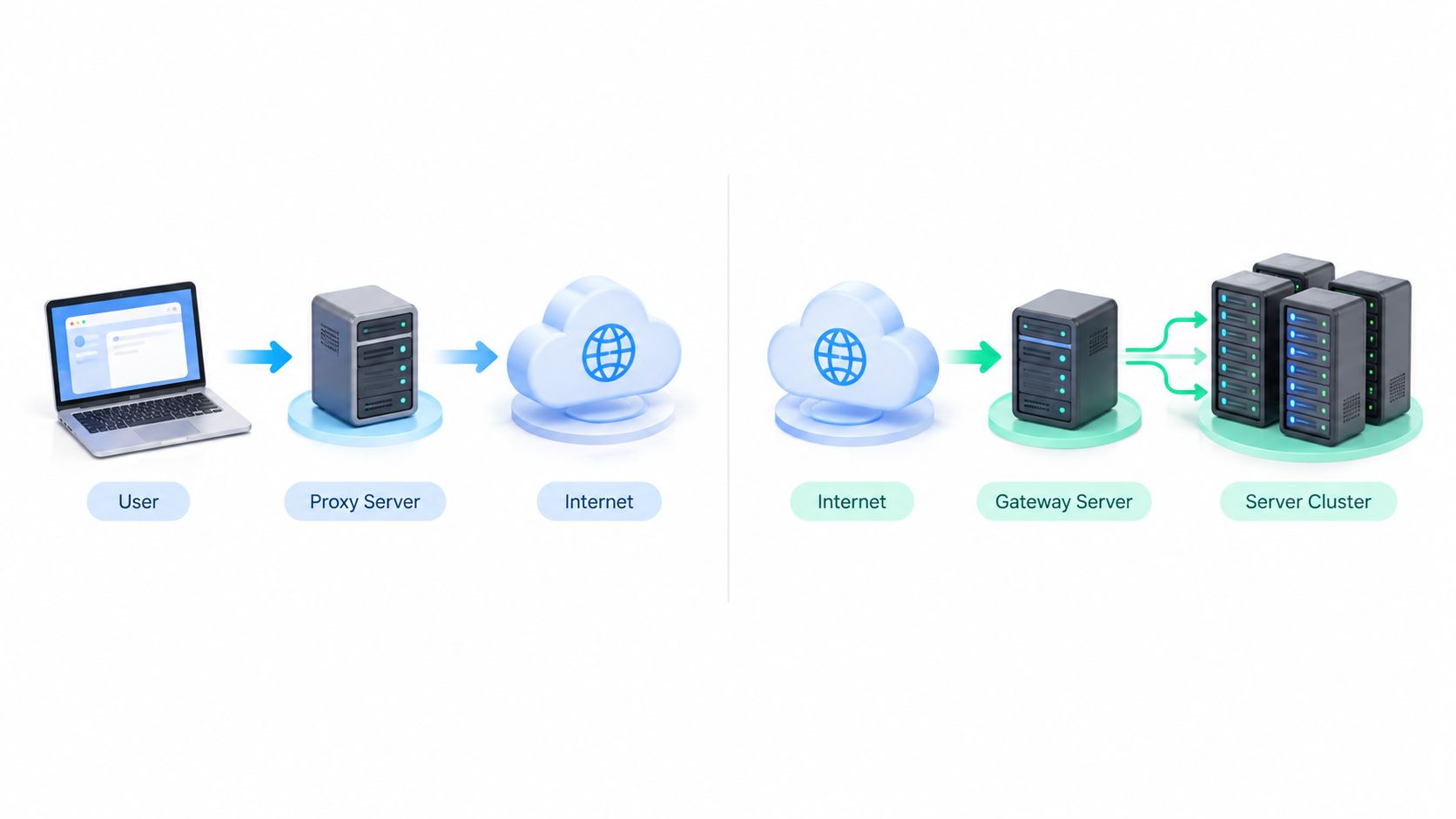
Think of a building lobby. The security desk at the entrance asks for your badge before you reach the office upstairs. The office hasn't rejected you. You never got to it. A 407 Proxy Authentication Required response works the same way. A proxy, meaning an intermediary that forwards requests on your behalf, is refusing to forward yours until you prove you may use it.
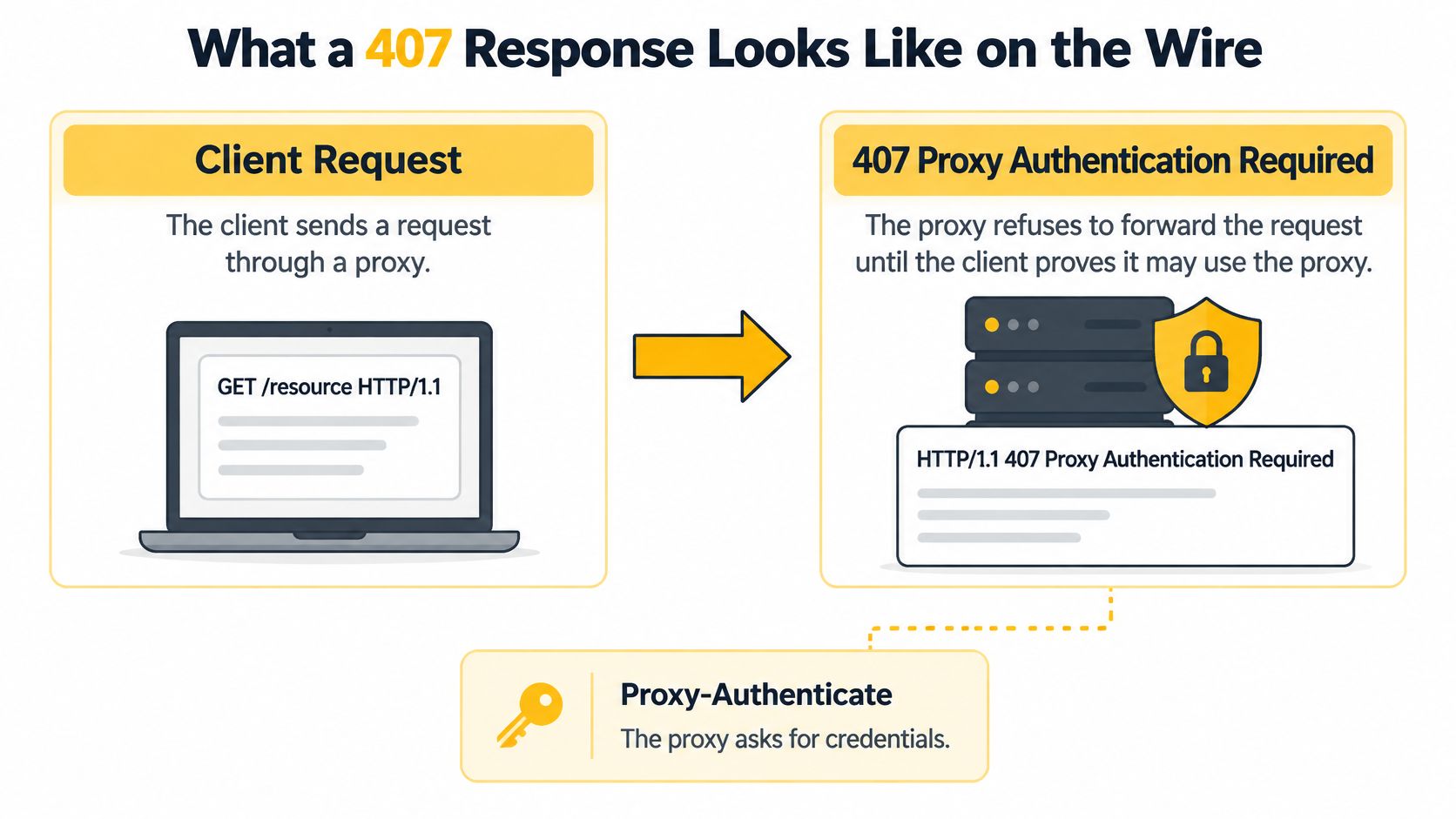
On the wire, a compliant exchange starts with HTTP/1.1 407 Proxy Authentication Required, followed by Proxy-Authenticate: Basic realm="proxy". The Mozilla documentation for 407 confirms that a proxy requiring authentication must return that response with at least one Proxy-Authenticate header carrying a challenge for that proxy and request. Your client then retries the same request with proxy credentials in Proxy-Authorization.
The 401 Distinction That Prevents Wasted Work
401 Unauthorized concerns credentials for the destination resource. A 407 concerns permission to use the intermediary. If you change the origin API token in response to a 407, you'll break a working login while the proxy still rejects you. In multi-hop setups, inspect the hop that generated the response and read its challenge. Don't guess from the final error message your tool displays.
The challenge belongs to the proxy, not the destination. Fix the hop that's asking.
Run this short diagnostic sequence every time:
- Confirm the source: Check that the 407 came from the proxy hop, not the origin server.
- Confirm the challenge: Check that Proxy-Authenticate is present and note the scheme it names.
- Confirm the header: Check that credentials travel in Proxy-Authorization, not in the origin-facing Authorization header.
A proxy may return several Proxy-Authenticate headers, each naming a different scheme. Basic is simplest and sends a username and password. Digest and NTLM need matching client support, so pick a scheme your client implements and send the matching Proxy-Authorization value. Missing, malformed, expired, or policy-incomplete credentials can all trigger the same challenge.
A 407 with no Proxy-Authenticate header is non-compliant and points to a misbehaving or unexpected hop in the path. Treat that as a routing problem first, not a password problem. I would not rotate any credentials until you've identified which device sent that response.
Where 407 Appears in Browsers, APIs and Scripts
In a browser, you'll usually see a login prompt for the proxy or a page that never finishes loading. The prompt is easy to misread as a website login, so check what it's asking for. If every site fails the same way, the common factor is the proxy, not the sites.
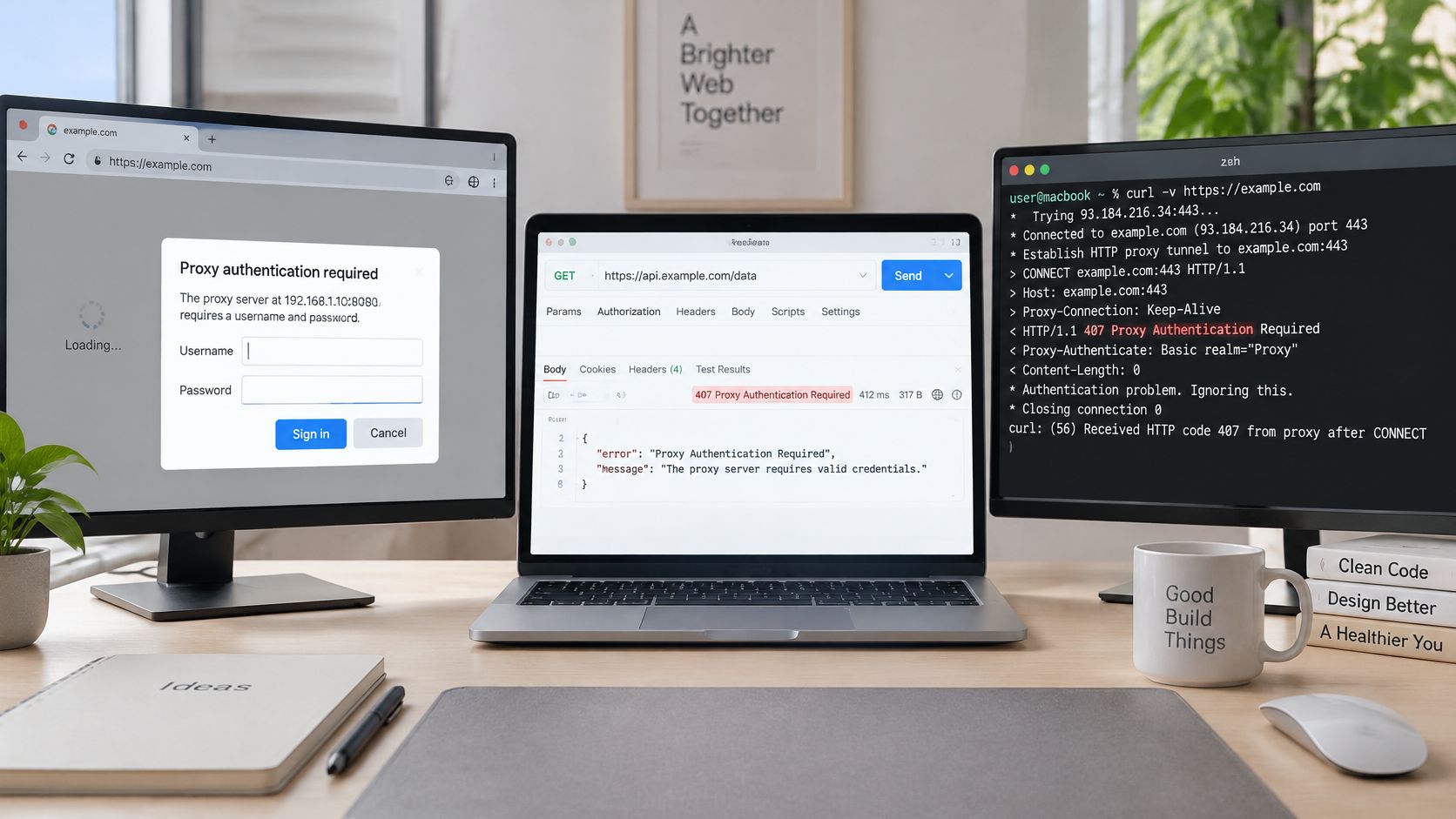
Command-line tools are more honest. With curl in verbose mode, you can see the 407 response and the Proxy-Authenticate header directly, then pass proxy credentials explicitly and watch whether the retry succeeds. That visibility is why command-line testing belongs early in your process. Browsers hide the header exchange that tells you what's wrong.
Script libraries often hide it too. The error may arrive as a proxy exception rather than a plain status code, so read the exception text instead of only logging a failure count. Public issue trackers show how differently clients handle the same proxy.
What Real Client Failures Show
- Retry loops that go nowhere: In 2024, Microsoft Azure PowerShell issue #26402 recorded at least 4 retry attempts before returning HTTP 407 Proxy Authentication Required, according to the issue reporter. Retrying without fixing credentials just repeats the rejection.
- Credentials lost on redirect: In 2024, the reqwest Rust HTTP client issue #2177 documented 2 requests during a redirect sequence, with the second request returning HTTP 407 after proxy authentication information was lost.
- One library fails, another works: In 2024, the HTTPX project discussion #3286 documented 1 reported ProxyError containing status code 407, while the same request reportedly succeeded with the Requests library.
- Failures inside other workflows: In 2024, the GitLab VS Code extension work item #1234 recorded an HTTP 407 response after 66 milliseconds during an OAuth token validation request.
The shared lesson is practical. The same proxy can behave differently across clients because each client stores settings, handles redirects, and sends headers in its own way. Test the proxy outside your application first. If the outside test passes, your proxy account is fine and the fault sits in the application's configuration.
Proxy Types and Protocols That Change the Error
A 407 identifies a failure at the proxy hop, but the right diagnosis depends on the proxy type and protocol. First identify how the proxy connects and how your client authenticates. Check this layer before changing an origin API token: that token does not answer a proxy authentication challenge.
Proxy Types Compared for Authentication and Detection Context
| Proxy Type | IP Source | Detection Profile | Typical Legitimate Use |
|---|---|---|---|
| Mobile 4G/LTE/3G | IPs assigned by mobile carriers | Shared through carrier-grade NAT, so many users share one address | Social account management, app and ad verification |
| Residential | IPs assigned by home internet providers | Look like ordinary household connections under consumer ASNs | Price and SEO monitoring, geo-specific market research |
| Datacenter | IPs from hosting and cloud networks | Identifiable datacenter ASN, easier to flag at high volume | High-volume tasks where trust requirements are low |
An ASN, or Autonomous System Number, identifies the network operator behind an IP address. Sites can use it to distinguish carrier, household, and hosting traffic. Mobile 4G/LTE/3G proxies use carrier-assigned IPs, often shared through carrier-grade NAT, where many subscribers appear behind one public address. Blocking that address may affect ordinary phone users as well, so the shared context matters when interpreting detection signals.
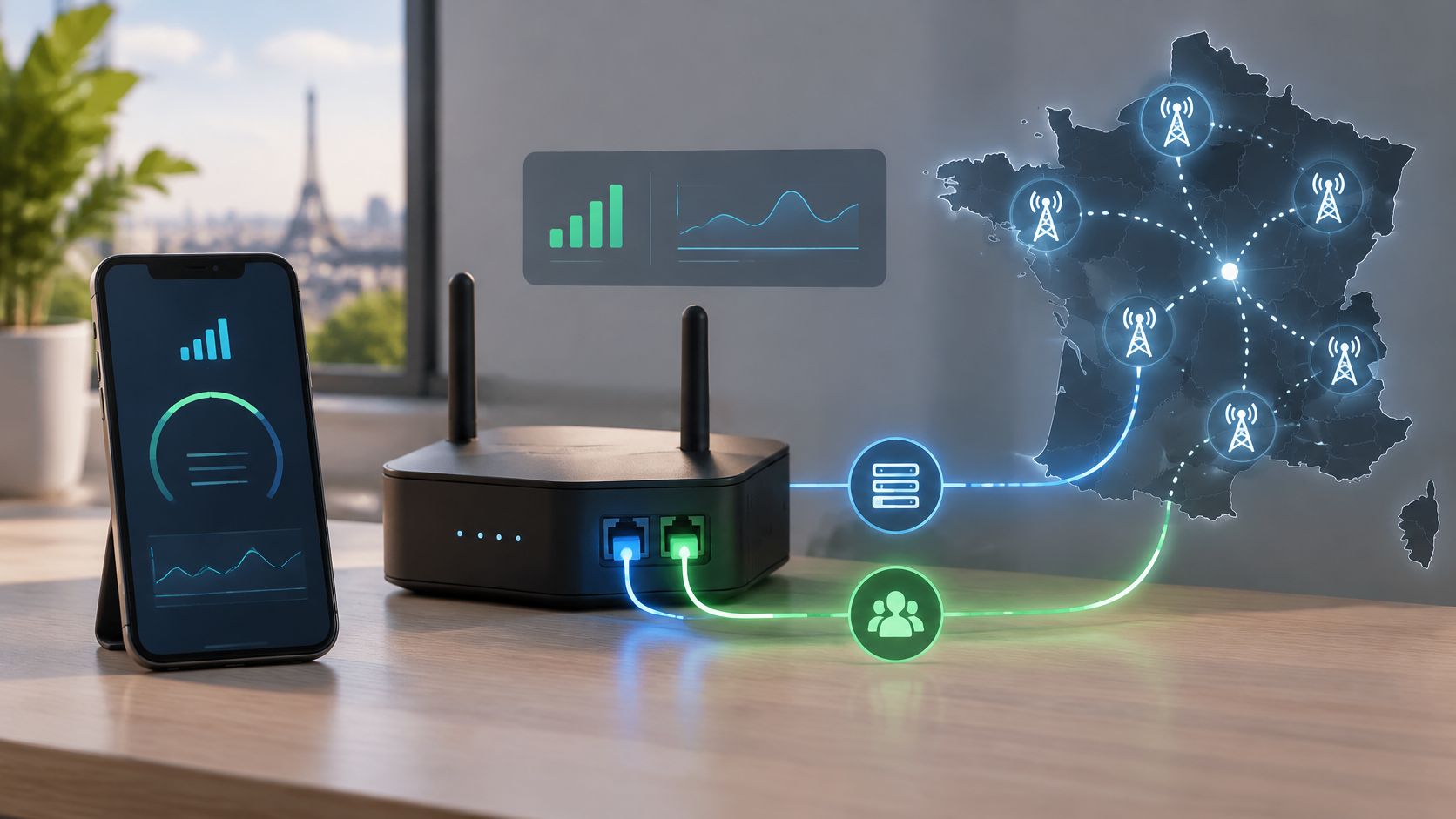
Residential proxies route through home internet connections and appear under consumer ASNs. Datacenter proxies use hosting networks, whose ASNs are readily identifiable, and can suit tasks with lower trust requirements. Evoproxy offers mobile 4G/LTE/3G connectivity from France, with personal and shared ports for legitimate, controlled tasks. For a closer look at how an HTTP proxy server handles requests, follow the request through the forwarding layer.
Protocol and Session Choices
HTTP proxies carry authentication in HTTP headers. A client can receive a 407 challenge and respond with Proxy-Authorization. SOCKS5 handles authentication through its own protocol negotiation and supports TCP and UDP traffic, including domain-name resolution. Your client needs native SOCKS5 support, because header-based HTTP authentication does not satisfy a SOCKS5 negotiation. If the client and port use different protocols, authentication can fail even when the credentials are correct.
Practical rule: Match the protocol configured in your client to the protocol assigned to the proxy port. A correct password sent using the wrong protocol still fails.
Session settings affect continuity and routing, not the meaning of a 407. Sticky sessions retain one IP for a set period, which can help with logins and multi-step workflows. IP rotation changes addresses on a schedule or per request, which can suit independent checks such as price monitoring. Geo-targeting selects the country or region associated with a request. If only some sessions fail, inspect the session or geo parameter in the username string and confirm that the account supports it. A malformed parameter can cause a rejection that resembles an authentication failure.
How to Fix Missing or Invalid Proxy Credentials
A 407 means the proxy hop is requesting credentials. Check that layer first: changing the destination API token will not answer a proxy challenge. Work through these checks in order. The first six usually take under ten minutes; allow-list and account issues can take longer because they may need dashboard changes or provider help.
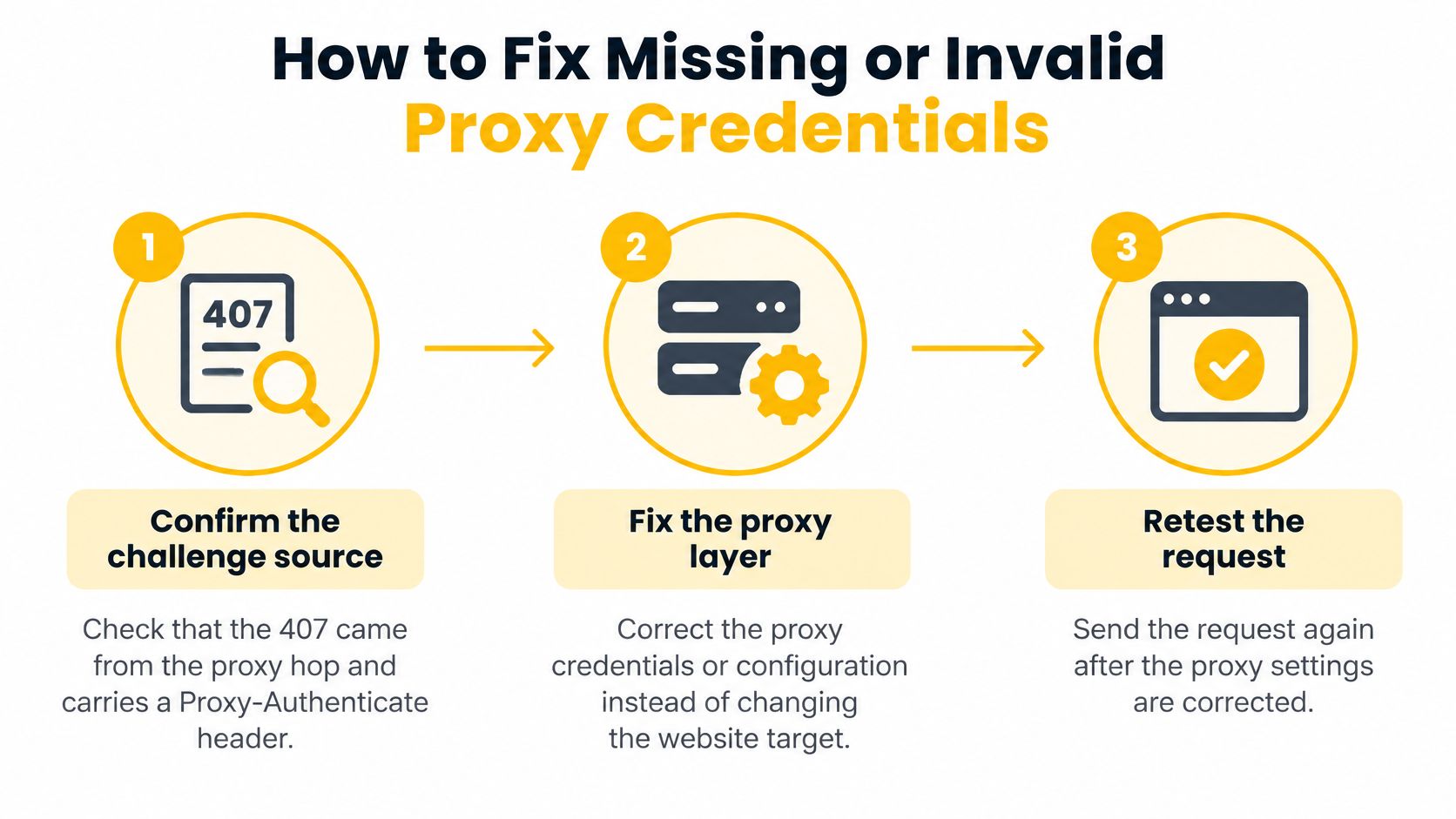
Confirm the challenge source. Check that the response came from the proxy hop and includes a Proxy-Authenticate header. That identifies the layer asking for credentials and keeps you from changing an unrelated destination API token.
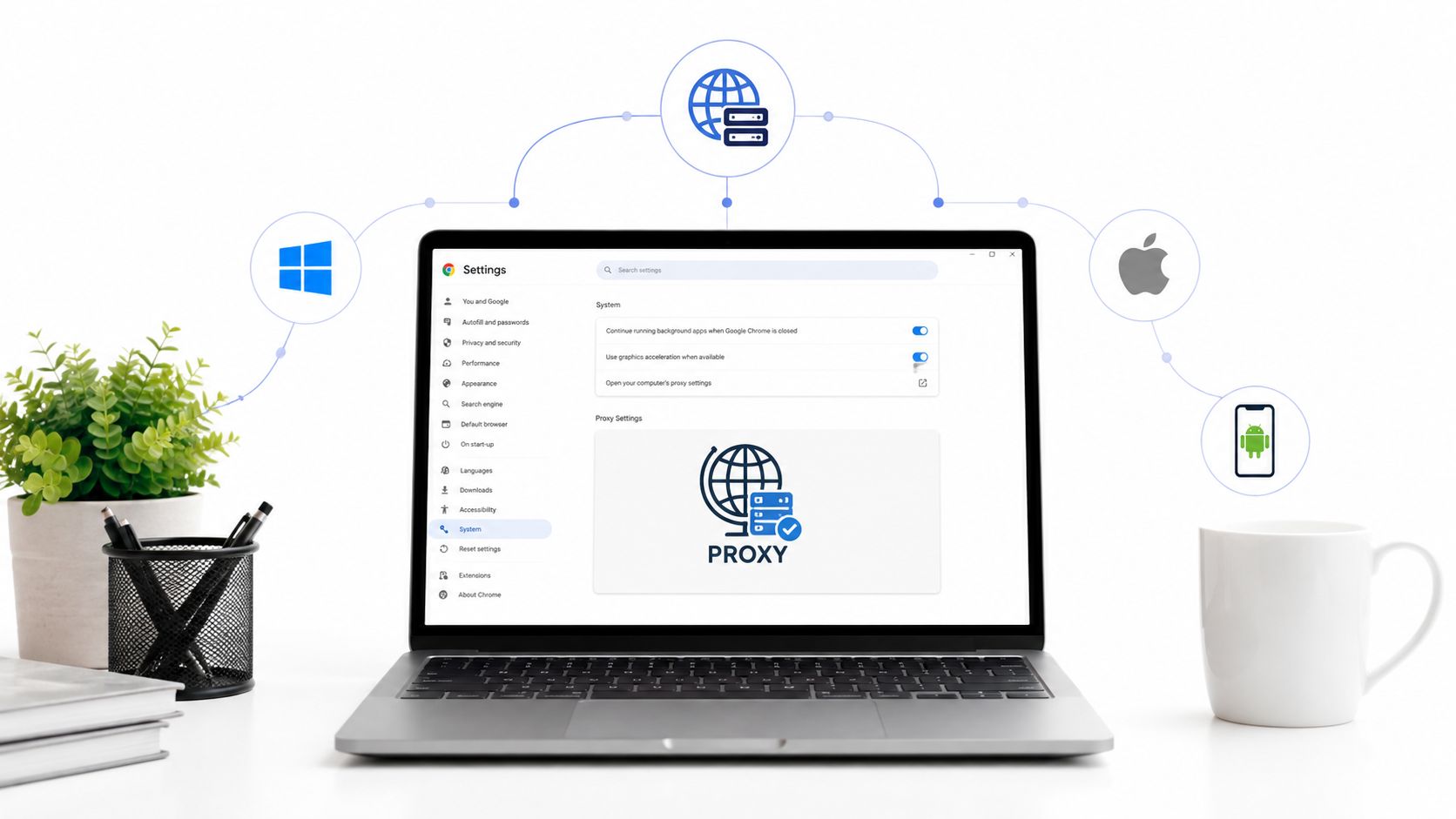
Verify the connection values. Check the proxy host, port, username, and password against your current account settings. A stale value after a plan change is a frequent cause of a sudden 407. For browser setup, the guide to browser proxy settings and credential fields shows where to enter each value.
Match protocol to port. Use the HTTP port assigned for HTTP proxy connections or the SOCKS5 port assigned by your provider. SOCKS5 commonly uses TCP port 1080, but the provider's listed port is the one to follow. A port typo can connect you to a different service, which may reject otherwise valid credentials.
Test from the command line first. Run
curl -v -x http://<host>:<port> -U <user>:<password> https://<test-url>and inspect the verbose output. A 200 confirms that the proxy connection and credentials work, so check the application configuration next. If the response is still 407, focus on the supplied values or account settings.Enter credentials as proxy credentials. Put them in the client's proxy fields. URL-encode special characters in the password, and remove any trailing spaces. Characters such as
@and#can break a proxy URL when they are not encoded; a trailing space is sent as part of the password.Recheck redirects. Some clients drop proxy headers on a redirected request. The initial request may succeed while the next returns 407. Confirm that each request carries Proxy-Authorization, then update or reconfigure any client that strips it.
Check account settings, then escalate. If the 407 persists with valid credentials, review the IP allow-list and the session or rotation setting in the dashboard. Your public IP may have changed, or the session mode in the username may not match the account's settings. If both checks look right, contact the provider to verify the account.
A browser alone is a poor diagnostic tool. It can hide the header exchange, cache old credentials, or apply operating-system proxy settings you did not intend to use. Start with the command-line test when the credentials appear correct. Its response helps separate a client configuration fault from a problem at the proxy or account level.
Configure Proxy Authentication Safely in Automation
Automation turns a small credential mistake into thousands of failed requests, so set authentication up properly before you scale. These practices apply to compliant scraping, ad verification, price monitoring, and geo-dependent QA.
- Store secrets outside code: Keep proxy credentials in environment variables or a secrets manager, never in source code or shared config files. Rotate them on a schedule and update every environment when you do, because a forgotten staging server will fail loudly at the worst moment.
- Send credentials to the right header: Proxy credentials go only in Proxy-Authorization, never in the destination's Authorization header. Sending them to the origin leaks your proxy password to a third party and still won't fix the 407.
- Keep secrets out of logs: Log the response hop, status code, and challenge scheme, but never the credentials or the full Proxy-Authorization value. Verbose debug output tends to end up in tickets and screenshots.
- Choose session mode deliberately: Use sticky sessions for workflows that need continuity, such as a multi-step login. Use rotation when each request should stand alone, such as independent price checks.
- Separate transient from permanent failures: Retry a transient 407 with exponential backoff a limited number of times, then stop and alert. Repeated attempts with bad credentials can trigger rate limits or lockouts, and they never fix themselves.
- Test before every batch: Run one small request through each proxy before a job starts. A pre-flight check costs seconds and prevents a full batch of 407s. For teams building that check with curl, the guide to using curl proxies with Vid Kraken covers the command patterns, and our notes on working with a proxy server API help you automate the check itself.
Protocol choice affects automation too. RFC 1928 describes SOCKS5 as a shim layer between an application and the transport layer that supports TCP and UDP, domain-name and IPv6 addresses, and a framework for authentication methods, conventionally on TCP port 1080. A tool configured for SOCKS5 therefore needs a SOCKS5-capable connection implementation, not HTTP proxy headers.
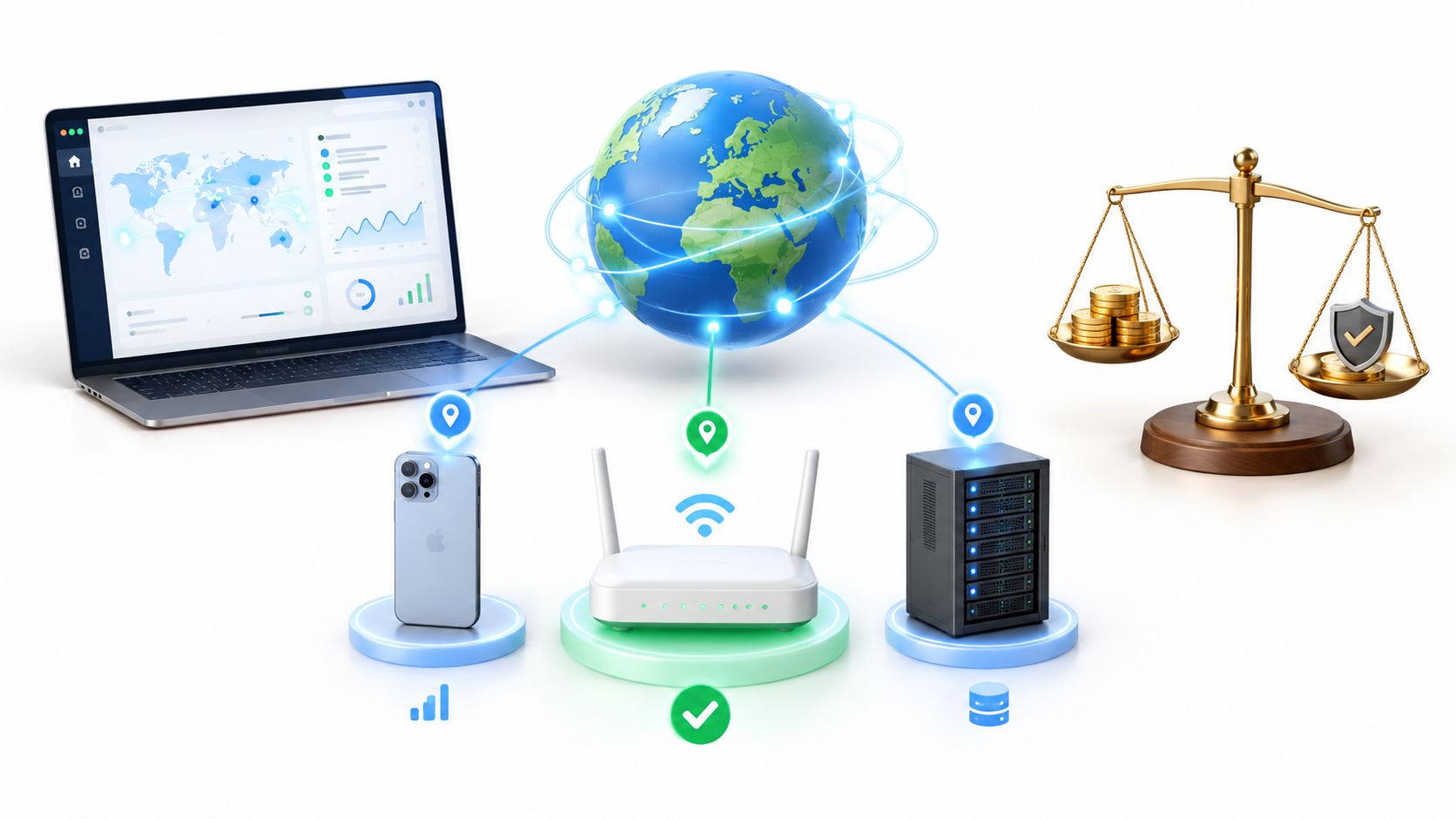
Keep the compliance boundary explicit. Mobile proxies are not to be bought expecting to evade detection or bypass access controls. Use them for authorized work such as QA, ad verification, market research, price monitoring, and multi-account management that follows each platform's rules. Our website lists the mobile proxy settings available to customers, which you can check against your team's compliance records before a setup scales.
Confirm the Fix and Choose Your Proxy Setup
A successful page load is only the first check. Send several requests and confirm each returns 200, with no new 407. Check that Proxy-Authorization reaches the proxy on every hop, including after redirects. If the 407 persists, identify which hop is requesting credentials before changing an origin API token. That distinction keeps the fix focused on the proxy layer.
Matching the Setup to the Work
Choose a proxy based on the network context and session behavior the task requires:
- Multi-account social media management: Mobile 4G/LTE proxies provide mobile network connectivity. Use session controls to keep a connection consistent when the workflow requires continuity.
- Price and SEO monitoring: Residential proxies can suit geo-specific checks where household context matters. Datacenter proxies can be appropriate for high-volume checks when the target supports that traffic and speed is the priority.
- Geo-dependent QA: Select country-level routing that matches the market under test, then verify the apparent location before running test cases.
Dedicated mobile proxies suit controlled, legitimate tasks such as account management within platform rules, ad verification, market research, SEO monitoring, brand protection, and location-dependent quality assurance. Evoproxy offers personal and shared 4G/LTE/3G mobile proxy ports from France. Personal ports use dedicated hardware; shared access can suit short, stateless, cost-sensitive tasks. Choose according to whether exclusivity and session continuity matter for the work.
Document the protocol, port, session mode, and geo setting in your runbook, along with the command that confirmed the fix. This gives the next engineer a reproducible check if a 407 returns. Before scaling a workflow, compare the selected mobile proxy settings with your team's compliance records.
If proxy authentication keeps interrupting social media operations, ad verification, or geo-dependent QA, evaluate a mobile setup against the same command-line checks. Visit Evoproxy to compare personal and shared ports and assess a configuration for your target network conditions.