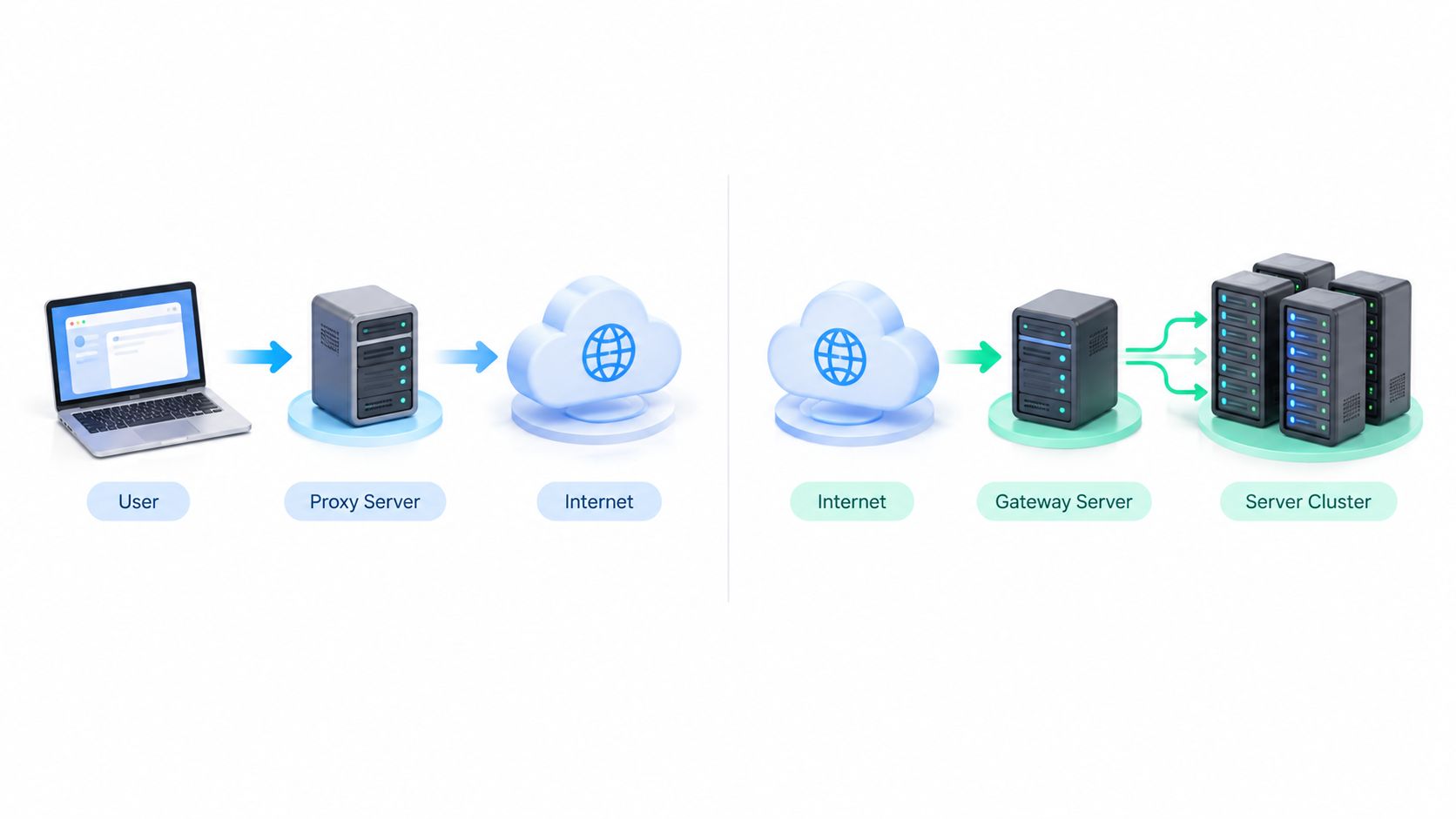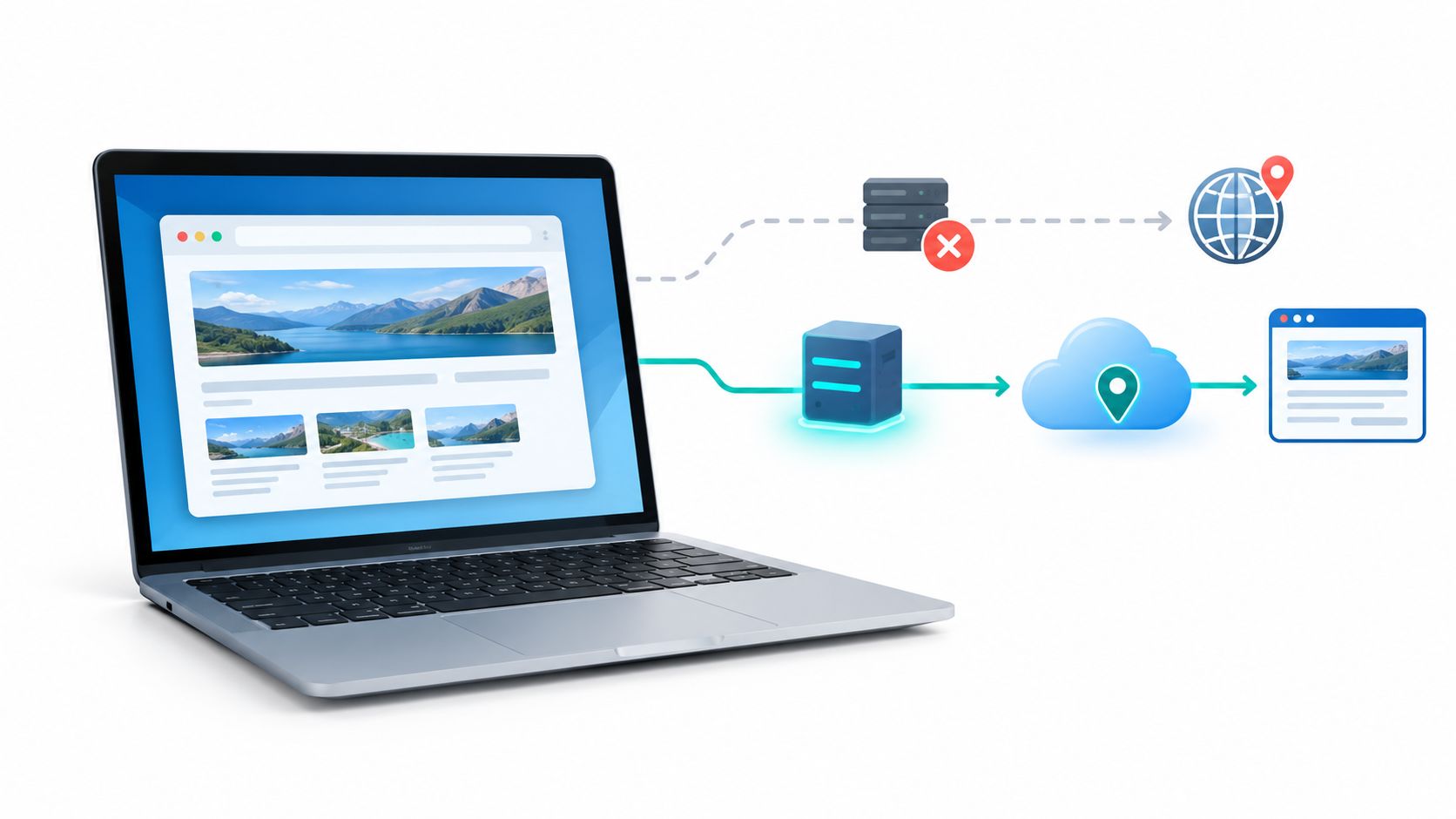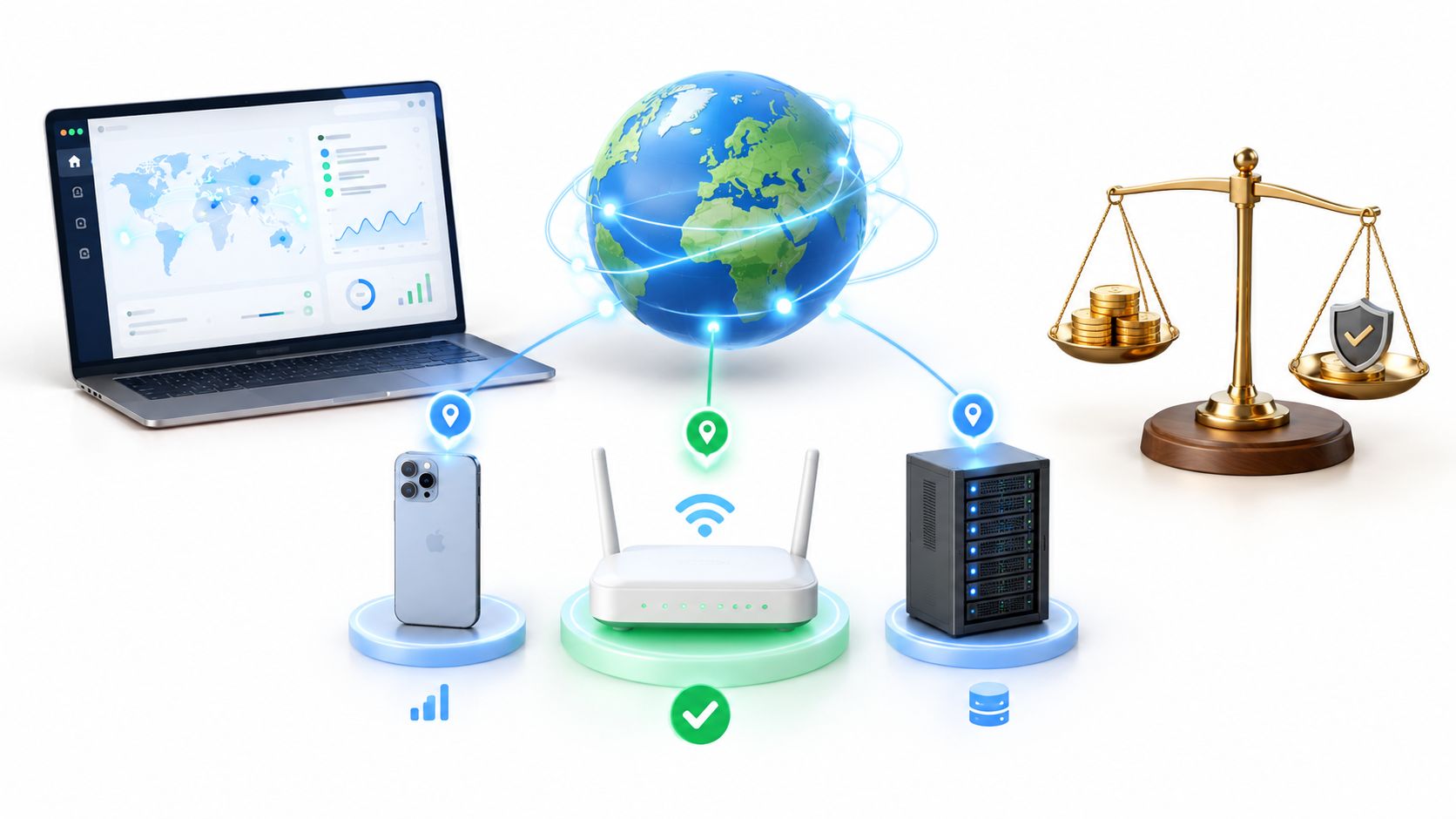
The cheapest rotating proxy is the one with the lowest cost per completed task, not the lowest price per gigabyte. For most social media and ad-verification workflows, mobile 4G/5G IPs are harder to detect and block than datacenter IPs based on network reputation alone, but rotation won't hide inconsistent browser behavior or fix a poor-quality connection.
The popular advice to compare plans by price per gigabyte misses what costs a team money: failed requests, interrupted sessions, repeated checks, and time spent diagnosing unreliable connections. A low-cost plan can be a good buy for disposable testing and a bad one for a logged-in workflow. Start with the work you need to complete, then choose the proxy type and rotation behavior that can complete it consistently.
What Cheap Rotating Proxy Really Means
There is no such thing as a cheap rotating proxy. There are plans that finish your job economically, and plans that bill you twice: once on the invoice, and again in re-runs and engineering hours.
"Cheap" in a provider's pricing table is a marketing label. It describes the per-gigabyte or monthly rate and tells you nothing about whether the IPs reach your target, how the service holds up under parallel load, or how many attempts one task needs.
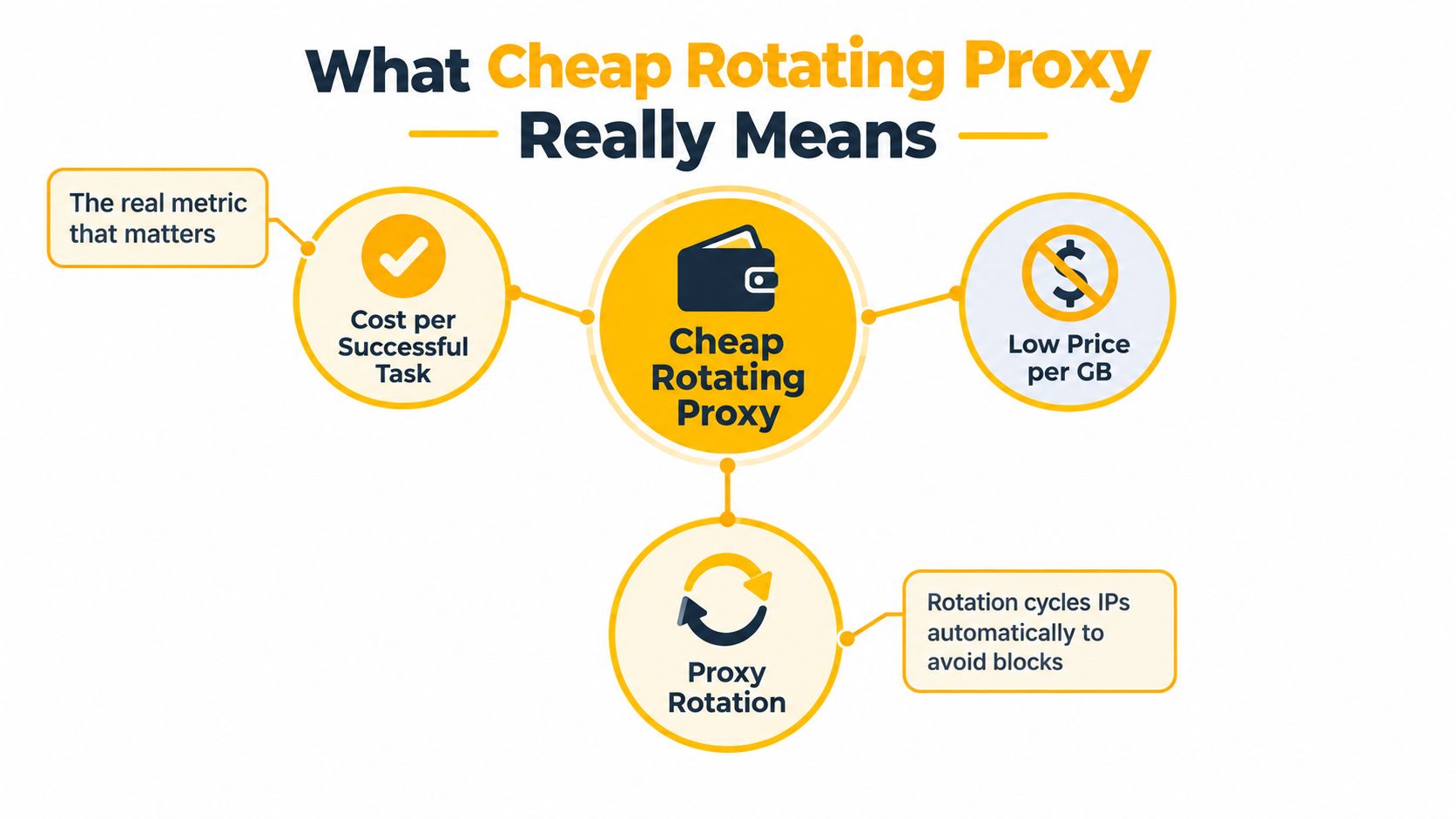
Mechanically, a rotating proxy is a service that assigns each request an outgoing IP based on its rotation settings: per request, per interval, or per session. That setting controls when the egress IP changes. It controls nothing about whether the next IP is cleaner, faster, or less likely to be challenged, and a fresh IP will not rescue a request that is slow for other reasons or tied to an authenticated session.
Two plans can advertise the same rate and deliver nothing alike. Routing quality, protocol support, connection reuse, and stability under concurrency all vary between providers. In an LTE proxy experiment using a MASQUE-based design, forwarding traffic through the proxy measurably increased task completion times, and the size of that overhead shifted with throughput conditions. Identical pricing can hide very different delivery costs.
Buyer's rule: Price the completed job, not the traffic allowance. A cheap rotating proxy is cheap only if its cost and reliability make the intended workflow economical.
So measure before you buy. Take a representative task, run it, and count attempts per success, traffic per attempt, and the staff time spent on failures. Then divide the plan's cost by completed jobs rather than gigabytes. That number is the price of a cheap rotating proxy.
Mobile, Residential, and Datacenter Proxies Explained
Proxy labels tell you about the IP's network context, not whether a provider's service will work for your task. Compare mobile, residential, and datacenter options by the kind of destination you need to reach and the consistency your workflow requires.
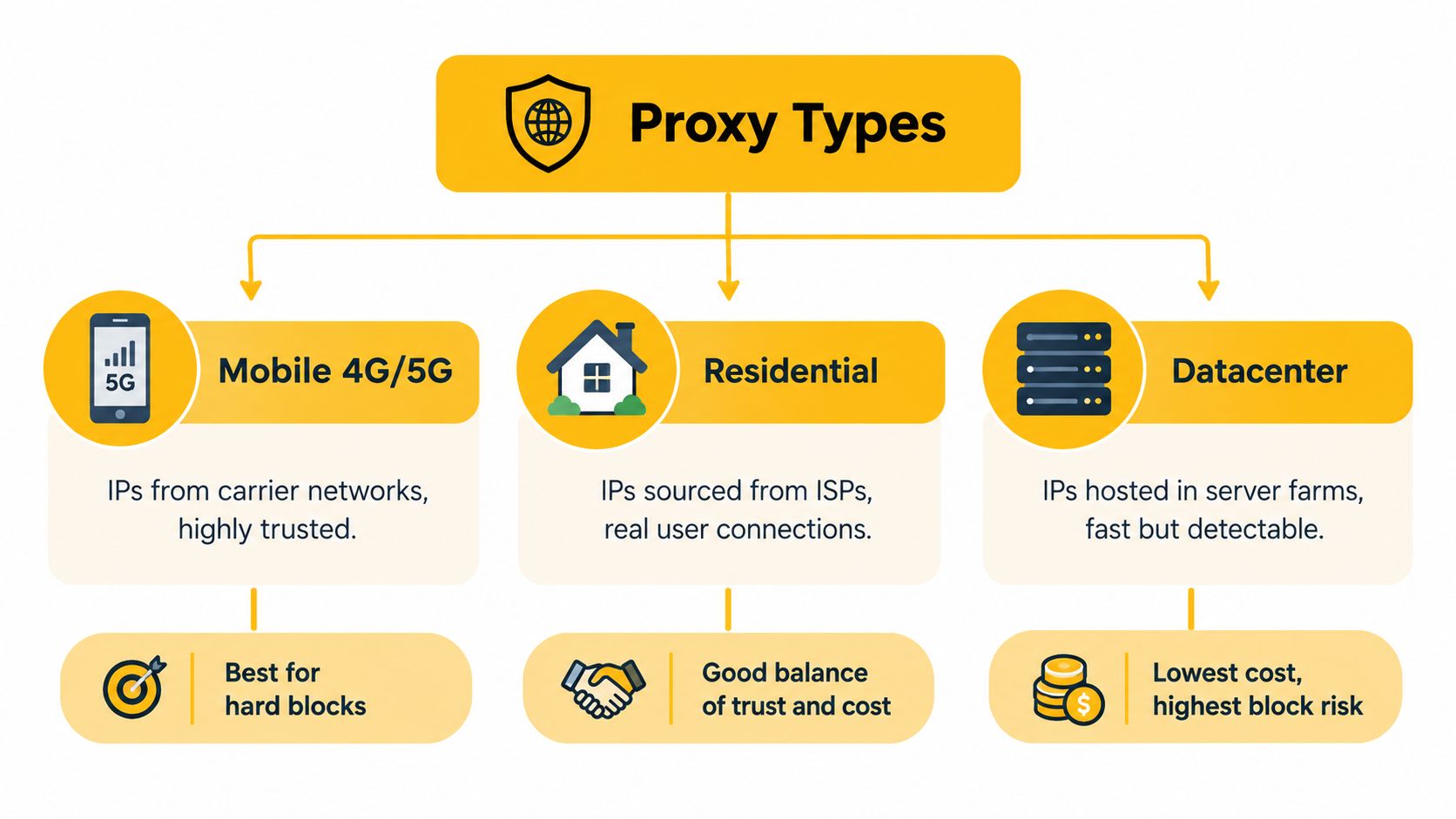
- Mobile proxies route traffic through cellular networks, including 4G/LTE and 5G. Their network context differs from a server-hosted address, which can make mobile IPs harder to block based on IP reputation alone. That doesn't make them invisible or exempt from a platform's rules.
- Residential proxies use addresses associated with internet service providers and residential connections. They can suit geo-dependent research and browsing, but the label itself doesn't prove how an IP was obtained or whether its use is consent-based.
- Datacenter proxies use addresses associated with hosting infrastructure. They're often a practical fit for internal testing or low-friction public endpoints, but targets can classify them differently from access-provider connections.
A related term is ASN, or Autonomous System Number. It identifies the network that announces an IP address. A target may see an access-provider network differently from a hosting network, but ASN is only one signal among many.
Carrier-grade NAT, or CGNAT, lets a mobile provider share public IPv4 addresses across customers. The address block 100.64.0.0/10, containing 4,194,304 addresses, is reserved for shared service-provider address space under RFC 6598. A mobile address can therefore represent a carrier's shared network context, not a uniquely identified handset. Shared carrier routing doesn't guarantee trust or successful access.
Protocol compatibility matters too. An HTTP proxy handles HTTP or HTTPS traffic through proxy settings; SOCKS5 relays sessions at a more general layer and may support applications beyond browser traffic. Check the proxy scheme and whether your client uses it. Mozilla's proxy configuration documentation describes HTTP and SOCKS proxy options, including SOCKS5.
How Rotation and Sticky Sessions Actually Work
Rotation and sticky sessions solve different problems. Rotation changes the egress IP used for later requests. A sticky session keeps the same proxy identity for a period or until you change it, which helps preserve continuity during a login or multi-step browser flow.
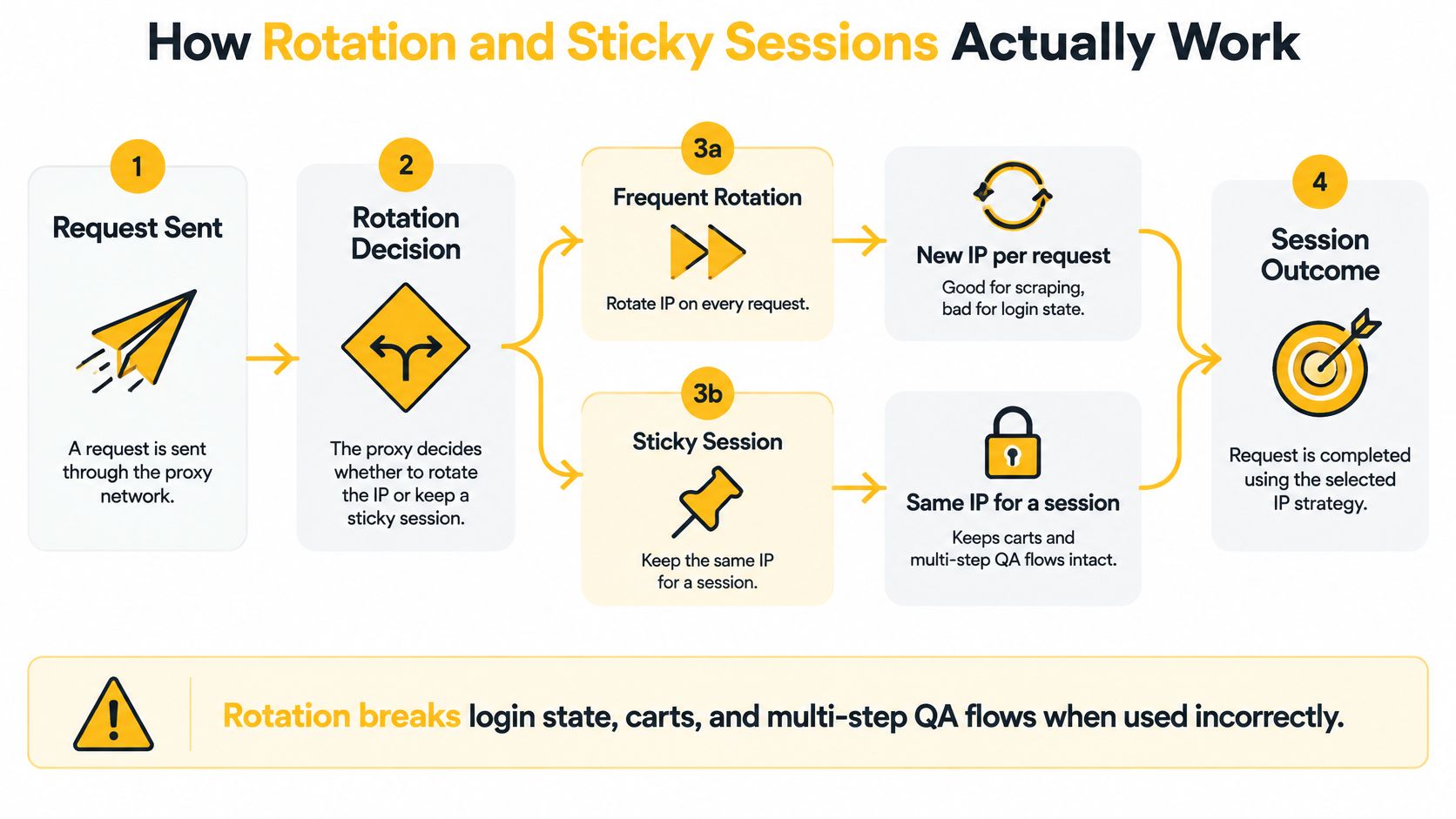
Think about the workflow before choosing an interval:
- Independent requests: Rotation between requests can suit separate public-page checks or research tasks where each request stands alone.
- Authenticated journeys: Keep a stable session for logins, dashboards, carts, or multi-step QA. Changing IP mid-flow can disrupt state or prompt extra verification.
- On-demand changes: Rotate between separate jobs when the current task is finished, rather than breaking continuity in the middle.
The same principle applies to geolocation. Set a target location appropriate to the test, then verify that the destination sees the expected country, region, or city. An IP database and a target website may disagree, so don't treat a provider's location label as proof that a location-dependent flow will behave as intended.
Use one stable proxy session for each browser context or test case. Rotate between independent jobs, and record when and why the IP changes.
Don't choose the fastest rotation setting just because it's available. For social media management or QA involving account state, continuity is more useful than a fresh IP on every request. For independent checks, rotation can help you test multiple network contexts while keeping the work compliant and controlled.
Comparing Cheap Rotating Proxy Options Side by Side
There's no universally cheapest option once failures and workflow requirements count. Mobile, residential, and datacenter proxies serve different jobs, so compare them by what your target requires rather than treating all rotating IPs as interchangeable.
| Criterion | Mobile 4G/5G | Residential | Datacenter |
|---|---|---|---|
| Price | Often a higher operational commitment than a basic server proxy | Varies by provider and traffic model | Often economical for suitable, lower-friction work |
| Network context | Cellular carrier network | Residential access-provider network | Hosting infrastructure |
| Detectability by IP context | Often harder to block by IP reputation alone | Can provide a residential network context | More readily classifiable as hosting traffic |
| Rotation control | Check whether rotation is timed, on demand, or tied to a session | Check available rotation and session controls | Check whether the plan supports rotation or fixed addresses |
| Protocol fit | Confirm that the client supports the offered HTTP or SOCKS5 setup | Confirm protocol and session support | Confirm protocol and session support |
| Best fit | Social workflows, ad verification, and mobile-specific QA | Geo-dependent browsing and research | Internal testing and public endpoints that accept server traffic |
Choose datacenter proxies when the task is low-friction, doesn't require a mobile or residential network context, and a failed request is inexpensive to retry. If a target rejects server-origin traffic, switching to a more expensive proxy family may reduce wasted retries. Don't assume frequent datacenter rotation will solve a policy, authentication, or browser-fingerprint issue.
A mobile endpoint's throughput isn't the whole story either. The relevant costs include proxy-path latency, the time required to establish a connection, and whether the session survives long enough to finish the job. A rotating residential option may work well for a task that needs residential context but doesn't depend on cellular routing. Mobile makes more sense when the job specifically requires mobile-network behavior or benefits from a carrier-associated address.
Treat this table as a way to narrow candidates, not as a promise about any individual service. The right plan is the lowest-cost choice that passes your workflow's tests and meets your organization's sourcing and compliance requirements.
Where Cheap Proxies Quietly Get Expensive
Say a plan costs $30 a month and burns six hours of engineering time on retries. That is not a $30 plan. The sticker price hides the total bill: unstable round-trip times, dropped connections, and rotations that kill sessions mid-task. Each failure triggers a retry, and every retry spends traffic allowance you already paid for.
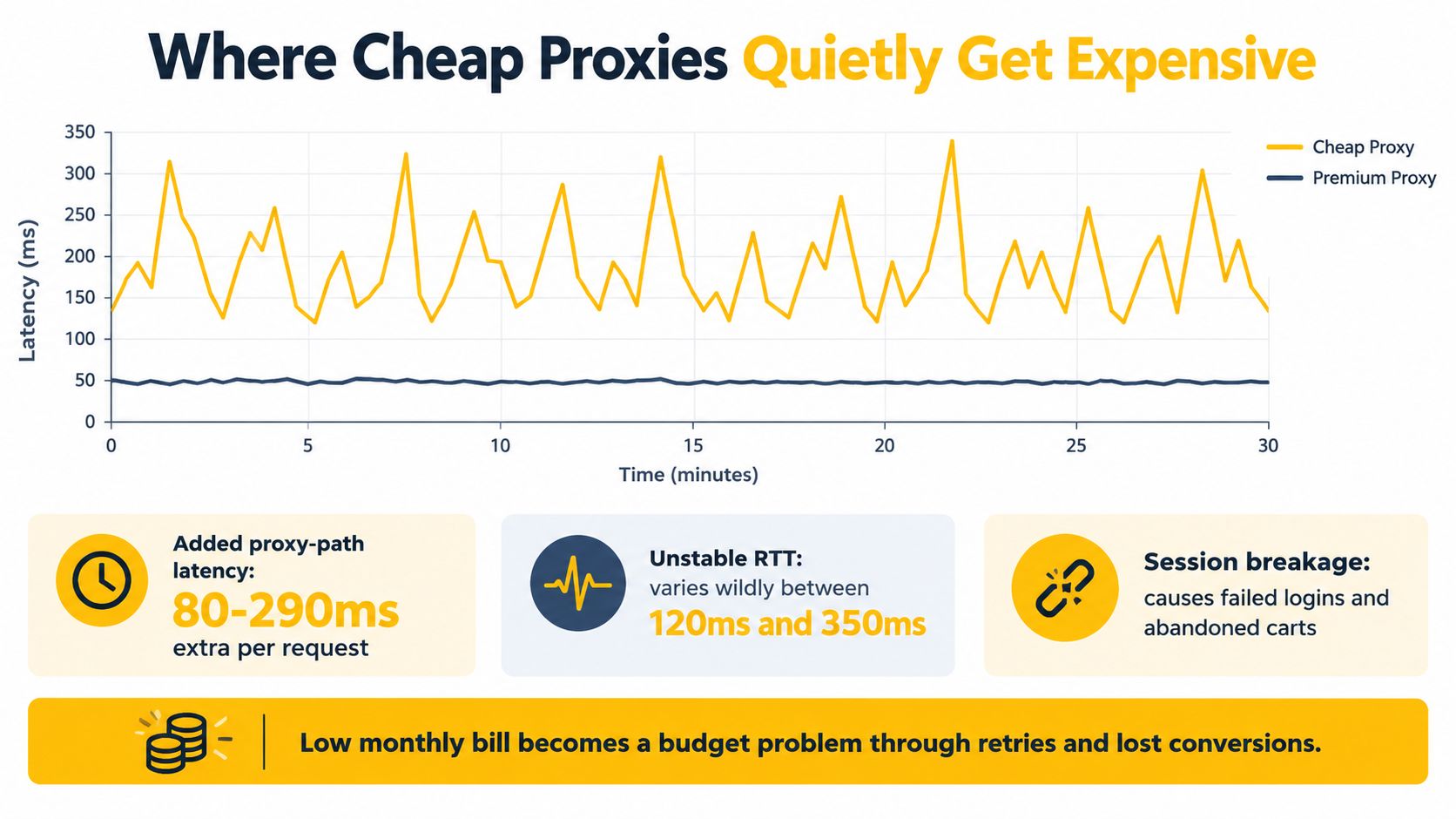
As noted earlier, small increases in connection delay can translate into much larger jumps in total load time. Two proxies with identical bandwidth can differ sharply in how much work they finish per hour. A generous traffic cap means little if a third of your sessions time out before the job completes.
Judge plans on cost per successful task, not cost per gigabyte. Count proxy spend, retry traffic, staff time spent clearing failures, and sessions that died before completion. When two candidates come in close, run them against the same target, location, request size, and concurrency, then compare completed jobs per dollar.
Don't blame every block on the IP. Browser and device fingerprints, request timing, and behavioral patterns all influence how targets classify automated traffic (bot research on detection signals). A pricier proxy family will not rescue a sloppy client setup.
If your traffic is growing, check whether a larger plan lowers the effective per-gigabyte rate without forcing you to buy capacity your team can't use. Evoproxy's guide to volume pricing considerations frames that trade-off clearly. Then track the number that matters: what a finished task costs you.
Testing a Provider Before You Pay for a Month
Run a controlled trial against your own job. A proxy that performs well on a single request may behave differently when a browser keeps cookies, several requests run concurrently, or the session moves through an authenticated flow.
Use the same destination, protocol, request size, and concurrency for each candidate. Then record:
- Connection and TLS setup time. Separate the time to connect from the time to establish the encrypted session.
- Time to first byte. This shows how long the client waits before the server begins returning a response.
- Median and p95 latency. The p95 helps expose slow requests that averages can conceal.
- Completed requests per minute and error rate. Measure useful output, not just attempted traffic.
- Rotation completion and session behavior. Confirm the IP changes when expected, and check that sticky sessions stay stable for the workflow.
Peak Mbps is a poor buying shortcut if your job consists of small API calls or browser navigation. A fast transfer rate doesn't tell you whether connections are dependable under concurrency or whether the target flow will finish without a timeout. A practical proxy speed-test checklist can help structure the comparison.
For a social media manager, test an approved login and session workflow with a stable IP. For an ad-verification specialist, check whether the expected location and page render consistently. For a price-monitoring or QA team, run representative independent requests, then separately test a complete multi-step journey. Reject a candidate that can't sustain stable p95 latency and a low timeout frequency under your intended concurrency, regardless of its headline bandwidth.
Matching Proxy Type to Your Use Case
Choose the proxy around the task, then configure rotation around the session.
| Workflow | Sensible starting point | Rotation pattern |
|---|---|---|
| Multi-account social media management | Mobile or residential, depending on the platform requirements and sourcing controls | Keep each account workflow stable; don't rotate mid-session |
| Ad verification | Mobile or residential when the test needs an access-provider context or a specific location | Hold a stable session for a complete verification flow |
| Price and SEO monitoring | Datacenter for suitable low-friction endpoints; residential or mobile if the task needs that network context | Rotate between independent checks |
| Geo-dependent QA | A proxy in the region being tested, with mobile access if the test specifically concerns a mobile network | Keep the IP stable during each journey |
| Brand protection research | Select the network type based on the public-facing environment being tested | Separate independent observations and log the location |
Social and advertising workflows aren't made safe or reliable by changing IPs more often. Detection can also depend on device characteristics and request behavior, and a proxy doesn't authorize activity that violates a platform's rules. Keep account management compliant, use session continuity where needed, and make sure each test has a clear business purpose.
For French or EU QA, verify the target geography rather than relying on a country label alone. The location observed by a service may differ from the provider's description, and the test may need a particular regional or mobile-network context. Teams should document the destination, protocol, concurrency, and session behavior so a later run can be compared fairly.
If the workflow logs in, preserve the session. If it checks independent public pages, rotate between jobs when the test calls for it.
The trade-off is straightforward: datacenter can be economical when a server-network address is suitable; residential can fit tasks that need a residential context; and mobile can fit workflows where cellular network context matters. Choose the least expensive type that meets the legitimate requirements of the task and passes a real test.
Provenance, Consent, and Compliance on a Budget
A provider's “mobile” or “residential” label doesn't establish how the addresses entered its network. Buyers should ask about IP provenance and consent before sending client credentials or campaign work through a shared service. This is an operational safeguard, not a box-ticking exercise.
Security research describes proxy-botnet clusters built from compromised devices, showing why a low price alone can't tell you whether a network is legitimate or safe. A shared or compromised IP may already carry a poor reputation, and other users' activity can create problems for your work. That risk matters to agencies, affiliate teams, and QA groups responsible for customer accounts.
Ask a provider to explain its sourcing and customer protections in clear terms:
- Sourcing and consent: How are IPs obtained, and what evidence can the provider share about consent-based participation?
- Abuse handling: Is there a contact for abuse reports, and what happens if an address is implicated in harmful activity?
- Traffic separation: How does the provider isolate customer traffic and handle logging?
- Replacement procedure: Can an implicated or unsuitable IP be replaced, and how is that request managed?
- Acceptable use: Are the rules clear enough for your team to determine whether a planned workflow is permitted?
Keep the answers with your vendor review. A responsible provider should be able to explain its sourcing, acceptable-use rules, and response process without relying on a marketing label. For teams formalizing a review, use a proxy compliance requirements checklist to organize questions before a shared plan touches client work.
Make the buying decision in this order: cost per successful task before cost per gigabyte; proxy type based on the task; sticky sessions for workflows that log in; rotation between independent jobs; and provenance checks before using a shared network for client accounts. Mobile IPs can offer a useful carrier-network context, but they don't guarantee access, hide automation, or override a platform's rules. Run the same controlled test for every candidate and reject plans that fail on session stability, latency, or sourcing transparency.
Evoproxy offers French 4G/LTE/3G mobile proxies with personal and shared ports, plus rotation that can be scheduled or triggered on demand. If your work needs French mobile-network access for social media management, ad verification, or geo-dependent QA, try a plan against your own workflow and see whether it meets your latency, session, and compliance requirements. Visit Evoproxy to explore the options.