The most common advice about a proxy server for Mac is incomplete: enter a host and port in System Settings, then assume the Mac's traffic has moved. That can change your browser's address while a scraper, social client, or background updater keeps connecting directly.
For marketers, QA leads, and data teams, the useful question isn't whether the proxy checkbox is enabled. It's whether the specific request you care about leaves through the intended network, with the right DNS behavior and session continuity.
Pick the Proxy Method Before You Enter a Port
A proxy is an intermediary that forwards supported requests through its own network address. The mistake that wastes an afternoon is choosing the endpoint before deciding which application, protocol, and address class the job needs.
HTTP and HTTPS proxy settings suit browser requests, ad checks, and web QA. The HTTPS setting identifies how a client handles secure destinations; it doesn't automatically mean the connection to the proxy itself is encrypted. SOCKS5 is a more general session-level intermediary for compatible clients, including applications that aren't speaking HTTP.
Some macOS versions also expose FTP and streaming settings. Those aren't alternative names for a web proxy, and enabling them won't make unrelated applications follow it.
Match the connection and the address pool
Datacenter addresses come from hosting networks and are relatively straightforward for platforms to classify. Residential addresses represent household broadband, while mobile addresses originate from cellular operators. An ASN, or Autonomous System Number, identifies the network announcing an address range.
Mobile networks often share public addresses among subscribers, making blanket IP blocking less selective. That doesn't make mobile traffic invisible: cookies, device fingerprints, TLS connection characteristics, and request rhythm still matter.
Use sticky sessions when a login, authorized checkout test, or account-management workflow needs continuity. Rotation changes the exit address between checks, either on a schedule or on demand; it doesn't guarantee an unused address or a different address on every attempt.
DNS needs its own decision. Mozilla's proxy settings documentation distinguishes SOCKS versions 4 and 5 and explains that enabling proxyDNS sends DNS requests through the SOCKS proxy rather than resolving them locally. Otherwise, a page request can leave through France while a lookup still uses your office resolver.
Mac proxy methods and what they actually cover
| Method | Best for | What it covers | What it misses |
|---|---|---|---|
| System HTTP or HTTPS proxy | Browser ad checks, SEO lookups, web QA | Web requests from apps that honor macOS on that network service | Many native apps, CLI tools, and local DNS |
| System SOCKS proxy | Desktop clients and tools that are not HTTP-native | Broader TCP sessions when the app supports SOCKS | Apps with no SOCKS support and lookups unless proxy DNS is on |
| PAC file | Split routing by host or network | Only the destinations the file sends to a proxy | Clients that ignore PAC or a file with bad logic |
| Per-app proxy field or local forwarder | One browser, scraper, or social client | That process's supported traffic | Every other app on the Mac |
| networksetup or environment variables | Repeatable fleet or terminal setup | The same system proxy, applied by script, or one shell | GUI apps that never read those variables |
Before entering credentials, distinguish the proxy's listening port from a local application's port. This guide to finding your port number helps prevent that mix-up.
If your actual requirement is broader device routing rather than selected application requests, Nerds 2 You Edmonton offers context to explore VPN benefits for home users. A VPN still needs verification, but it solves a different routing problem.
Choose the table row matching your workflow and configure that method first. Enabling every available option makes failures harder to isolate.
Set the Proxy in macOS System Settings
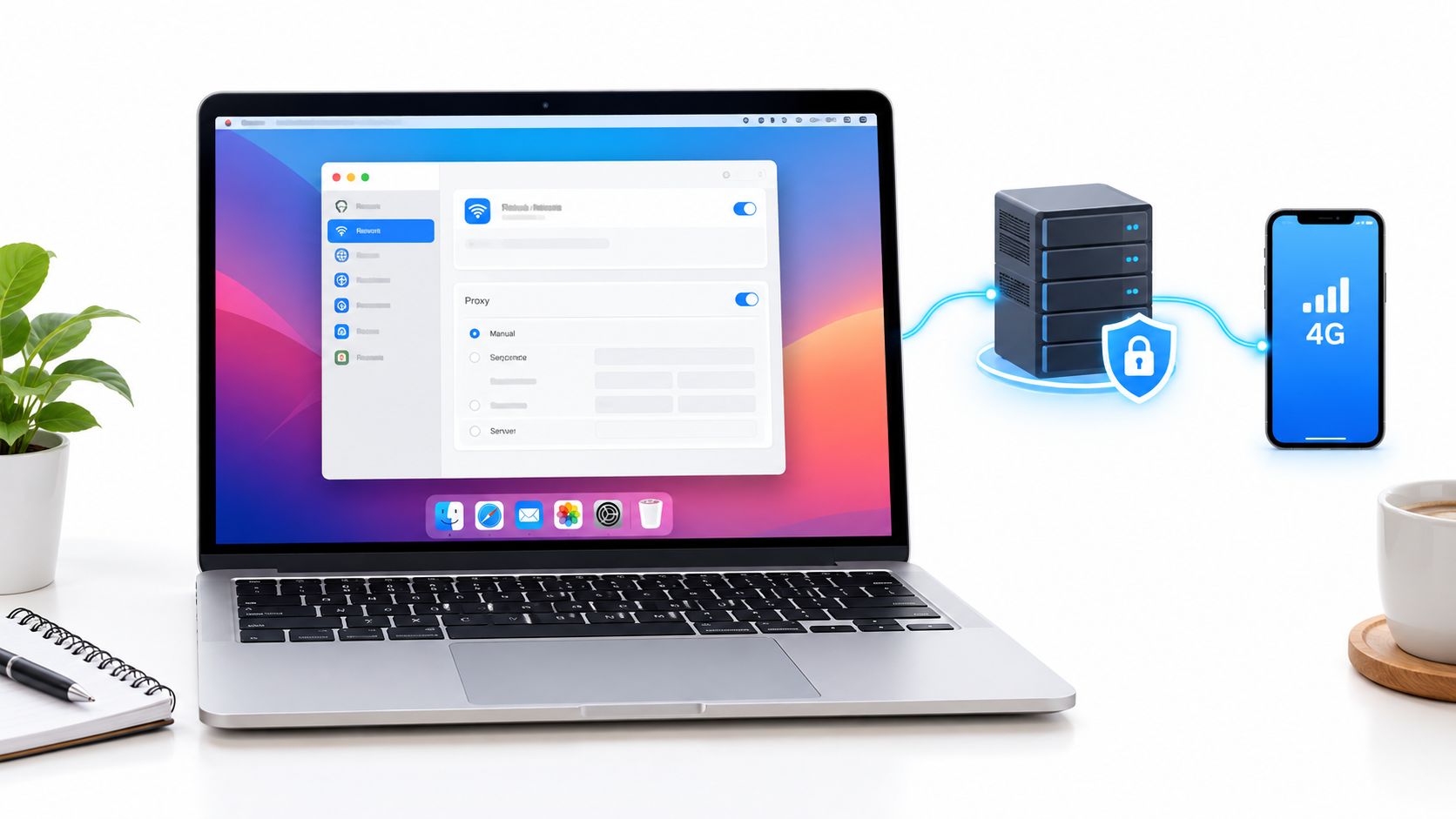
Start with the network service carrying your connection. Apple's proxy settings guide documents the current path through System Settings and the manual, automatic, authentication, and bypass controls.
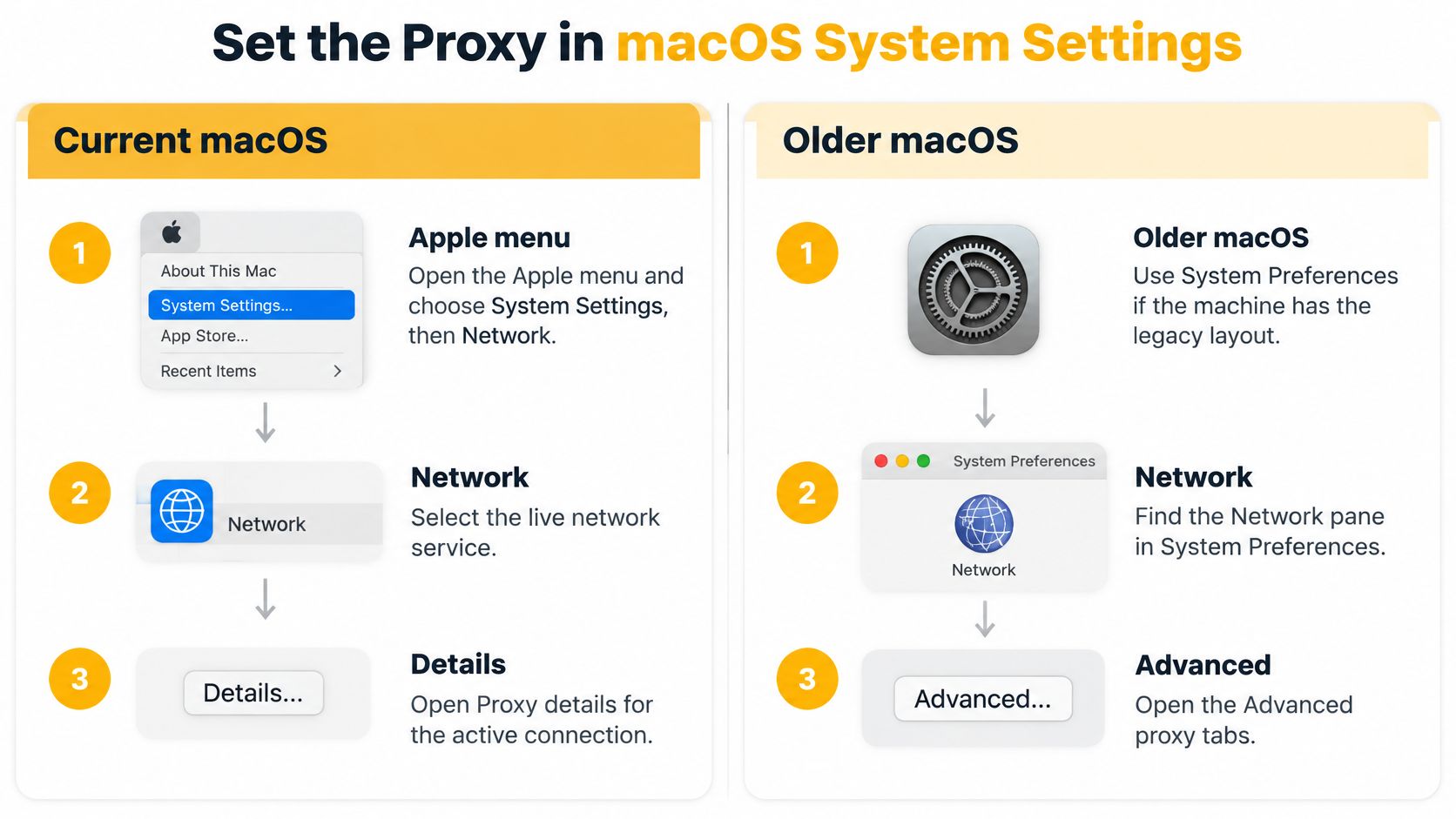
The current and legacy layouts use different navigation:
Configure the active service
- Open the Apple menu, choose System Settings, then Network. Start there rather than in a browser's preferences.
- Select the live service, usually Wi-Fi or Ethernet. Editing a disconnected adapter won't change the traffic you're testing.
- Choose Details, then Proxies. Check the selected service name before making changes.
- Enable only the matching protocol: Web Proxy (HTTP), Secure Web Proxy (HTTPS), or SOCKS Proxy. Leave FTP and streaming disabled unless those controls exist and that traffic is in scope.
- Enter the issued server address and port. Put the hostname or IP in the address field, not a complete address copied from an application-specific connection string.
- If authentication is required, enable password protection and enter the username and password under the protocol you enabled.
An HTTP proxy can read the URLs and headers of unencrypted HTTP requests passing through it. With ordinary HTTPS tunneling, page content remains encrypted between the client and destination, although the intermediary can observe connection metadata. An unexpected certificate warning indicates interception or another trust failure, not successful privacy protection.
Save credentials only for the active protocol, and don't paste passwords into shared shell history. Also treat automatic discovery and PAC files as routing authority: whoever controls them can influence where supported requests go.
- Fill Bypass proxy settings for these Hosts and Domains with destinations that must remain direct. Local printers, intranet services, and captive-portal hosts are common candidates; avoid broad exclusions that accidentally include your test destination.
- Confirm the dialog, then choose Apply if your macOS version presents it. Reopen the pane if needed to confirm the values persisted.
Handle mixed fleets and browser handoffs
Older releases use System Preferences > Network > Advanced > Proxies. The configuration idea is unchanged, but screenshots from that interface won't match a current machine.
Settings belong to individual network services. Wi-Fi and Ethernet can therefore use different endpoints; a VPN connection can introduce additional routing and service-specific behavior that needs separate testing.
Auto Proxy Discovery trusts settings advertised by the network. That can be appropriate on a managed office LAN, but it's a poor default on unknown Wi-Fi. Similarly, use Automatic Proxy Configuration only with a file hosted somewhere your team trusts.
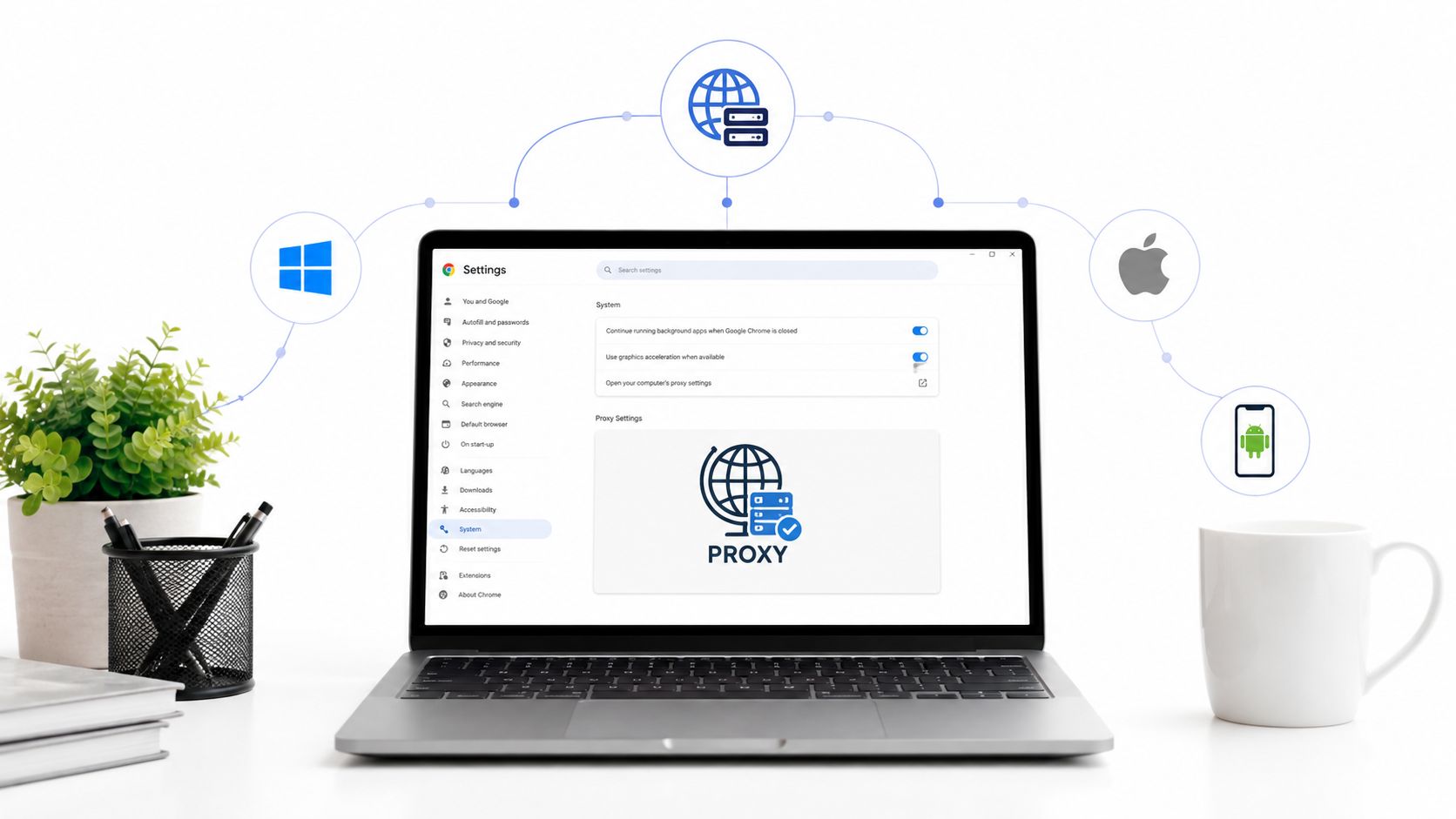
For teams starting from the browser's settings menu, Scrappey's Chrome proxy guide provides useful context on the handoff to operating-system settings. Opening the Mac pane from a browser doesn't make the resulting configuration browser-exclusive.
The saved fields establish a default for the selected service. They don't establish coverage for clients that implement their own networking.
Add PAC Files Per-App Rules and CLI Routing
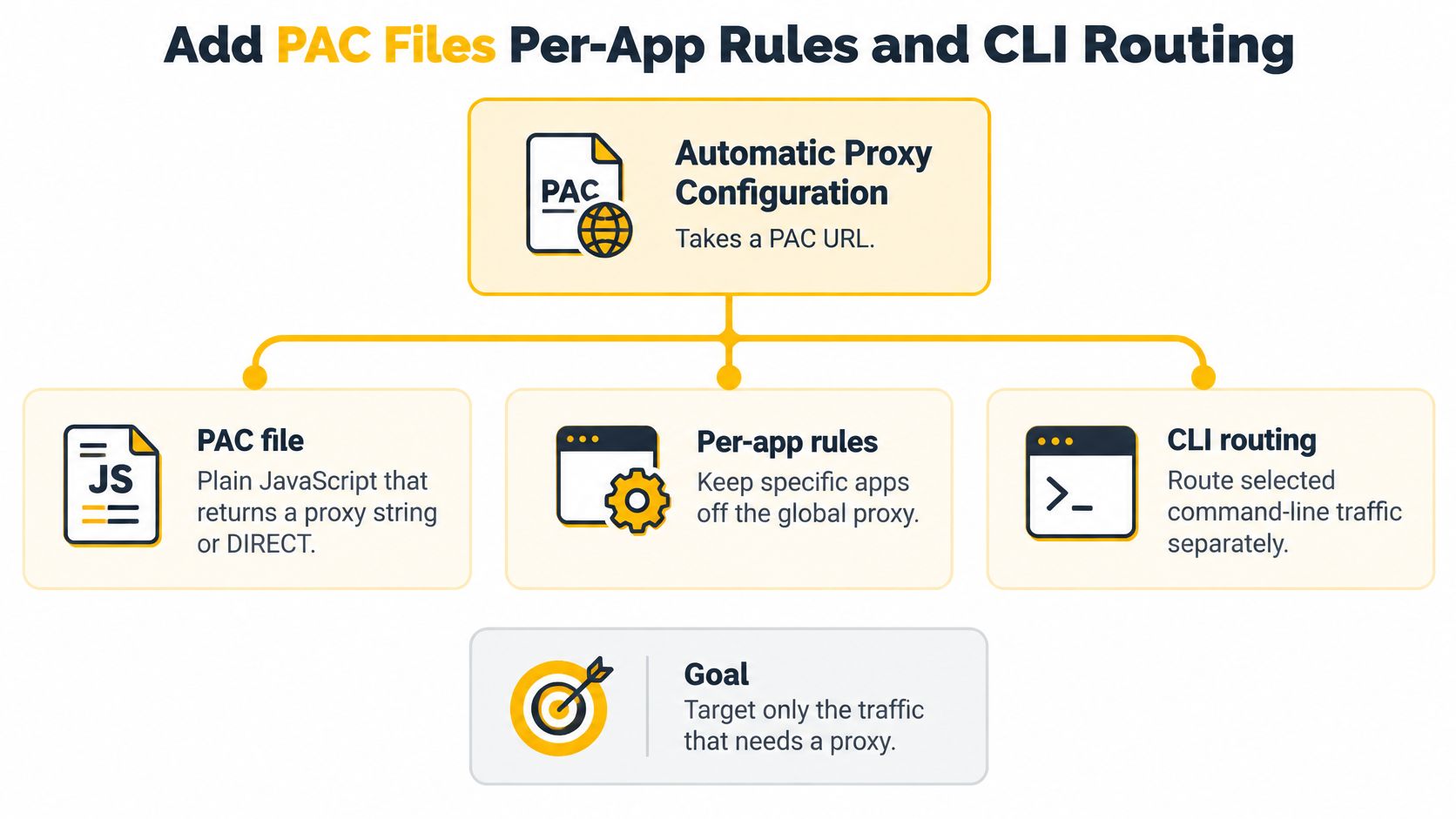
A team checking regional ads shouldn't have to send every maintenance request through the same endpoint. Targeted routing is easier to audit and less likely to interrupt unrelated work.
Apple's network proxy documentation includes automatic proxy configuration and separate proxy categories, including SOCKS with optional authentication. The useful distinction is between a network-service default and the policy an individual client follows.
Use PAC for destination-based policy
A PAC file, short for Proxy Auto-Configuration, contains JavaScript that returns a proxy directive or DIRECT. A practical policy can route authorized marketing and QA destinations through a proxy while leaving company sign-in, update services, and local resources direct.
Host the file as text over HTTPS, not as an HTML landing page behind an interactive login. Enter its address under Automatic Proxy Configuration, and avoid simultaneously enabling unrelated manual settings during initial testing.
Keep the policy narrow enough to inspect. A final DIRECT fallback preserves connectivity when a destination doesn't match, but it also means unmatched test traffic won't be proxied. If direct fallback is unacceptable for a particular workflow, use a client or controlled network policy that enforces the intended failure behavior.
Use app settings for client-specific control
Chromium-based browsers generally use the system proxy configuration, while Firefox can maintain independent HTTP and SOCKS settings, including proxy-side DNS options. Browser extensions or managed policies can alter those defaults, so check the effective configuration rather than the brand name alone.
Social, design, and scraping applications may expose a proxy field or ignore the system pane entirely. Enter the endpoint inside the application when supported. A local forwarder is useful only when the client can connect to it and the forwarding arrangement supports the required authentication and protocol.
For legitimate multi-account management, keep each authorized account's session context consistent. An app-specific proxy setting doesn't isolate cookies, browser storage, or credentials between accounts.
Route shell work explicitly
For a single request, use curl with its explicit proxy option and the issued endpoint. For a data-pull session, set ALL_PROXY, or http_proxy and HTTPS_PROXY, only in the shell running that job.
These patterns have different scope:
- Single request: An explicit proxy option limits the change to that invocation and makes the test easier to reproduce.
- Shell session: Environment variables can reach child processes that support them, but they don't compel every command to use a proxy.
- Fleet configuration:
networksetupcan apply service-specific proxy settings from a reviewed configuration checklist instead of repeating manual clicks.
Curl intentionally doesn't accept uppercase HTTP_PROXY for HTTP proxy configuration; other clients have their own variable rules. Check the client's behavior, and unset temporary variables when the job ends so package updates don't inherit a stale endpoint.
System settings provide the default, PAC provides destination policy, and explicit app or shell configuration gives you control over clients that opt out. Verification is still required.
Keep credentials out of reusable scripts and logs. Record the service, protocol, authentication method, and policy version instead.
Prove Which Traffic the Proxy Actually Carries
A green checkbox isn't evidence that a request used the proxy. Apple's proxy controls configure network-service behavior; they aren't a packet-level guarantee for every process.
Run the checks on the service and application you'll use. Record the direct public address with the proxy disabled, then enable your chosen method and repeat against the same neutral IP-echo service.
What to test after a Mac proxy change
| Traffic | Check | Pass looks like |
|---|---|---|
| Browser | IP-echo page in the browser under test | IP, country, and ASN match the proxy |
| Terminal curl | Same echo with and without a proxy flag or env vars | Proxied curl matches; plain curl reveals whether explicit configuration is necessary |
| DNS | Local lookup versus SOCKS5 with proxy DNS | Lookup follows the intended remote resolution path; resolver geography is consistent where measurable |
| HTTPS page | Ordinary secure site | Page loads with no surprise certificate warning |
| Bypass host | Request a domain on the exclusion list | That host still uses the Mac's direct IP |
| Native or social app | App proxy field, preview, or embedded page | IP changes only if that app honors system or its own proxy |
Start with the browser, then test Terminal separately. If the browser moves and plain curl doesn't, you have a partial pass, not contradictory evidence. Repeat curl with explicit proxy configuration to distinguish an application gap from an unreachable server.
For country-sensitive work, record the observed address and ASN alongside the geolocation result. Location databases can disagree, so a dashboard's city label alone isn't a reliable acceptance criterion.
Check resolution and application boundaries
Compare local resolution with a request configured to use SOCKS5 proxy-side resolution. A normal local lookup doesn't become proxied just because a browser uses SOCKS.
Resolver geography also needs interpretation. A remote resolver can use distributed infrastructure, so a city mismatch alone doesn't prove leakage; confirm which resolution path the client used before rejecting the setup. For geo QA, investigate discrepancies rather than declaring success from the page address alone.
For bypass testing, use a controlled public endpoint included in the exclusion policy. A local printer can prove local reachability, but it can't report the public exit address you need for that check.
Convenience in System Settings is not application-level control.
Test native apps through their own network activity. An embedded page can help, but a preview may be fetched by the application's backend rather than your Mac, so it's not always valid evidence of the desktop process's route.
Package managers, developer runtimes, and background updaters deserve separate checks when they're in scope. Use an authorized test endpoint or logs that identify the actual requester, and never assume they moved because the browser did.
A pass means the required traffic uses the intended route and excluded traffic stays direct. Keep the result per traffic type, not as a single Mac-wide status.
Fix Proxy Failures That Look Like a Dead Server
Repeated password prompts and mismatched DNS results often look like server failures from the application's perspective. Before changing endpoints, identify which matrix row failed and change the setting responsible for that traffic.
A password loop can mean credentials were entered under HTTP while the application is using SOCKS. It can also mean the issued username includes a routing or session component that was omitted; preserve the credential format rather than shortening it.
Mac proxy symptoms and the setting to change
| Symptom | Likely cause | Fix |
|---|---|---|
| Password prompt loops | Credentials saved on the wrong protocol | Re-enter user and password on the protocol that is enabled |
| Browser IP changes, Terminal does not | Shell ignores the system proxy | Set the proxy for that curl or shell, then unset it |
| Page country is right, DNS city is home | Lookups may still resolve on the Mac | Enable SOCKS proxy DNS in the client and retest the resolution path |
| Wi-Fi works, Ethernet or VPN does not | Proxies are stored per network service | Configure the service actually carrying the connection |
| Test site never uses the proxy | Bypass list or PAC returns DIRECT | Remove that host from the exclusion rule and reload |
| PAC checkbox on, behavior unchanged | URL returns HTML or is unreachable | Serve plain-text PAC from a location the Mac can fetch |
| IP still matches the ISP | IPv6 or another interface bypasses an IPv4 proxy | Retest on the intended service and disable IPv6 only for an approved test window |
Apply the smallest plausible fix, then repeat the same request. Changing credentials, protocol, interface, and address together removes the evidence needed to understand the failure.
If DNS appears wrong, change the client's resolution setting rather than replacing a functioning endpoint. If authentication fails, retest authentication before altering rotation or bypass rules.
Separate connection failures from routing mistakes
An immediate refusal usually means the connection reached something that isn't accepting it on that port. A stalled connection can indicate a firewall, an unreachable endpoint, or a protocol mismatch; check the exact error rather than treating every timeout as downtime.
Use the proxy refusing connections troubleshooting guide to distinguish connection refusal from authentication and routing problems. Cellular routing can add latency, but latency alone doesn't identify a dead server.
IPv6 is relevant when an application bypasses the proxy and connects directly using another address family. A correctly proxied request doesn't automatically leak because IPv6 exists. If temporarily disabling it changes the result, investigate the client's direct connection path and restore the normal network configuration afterward.
On hotel or guest Wi-Fi, complete the captive portal with the proxy off, then enable it again. Don't confuse an unfinished network login with a failed proxy password.
Use proxies for authorized account operations within platform rules, ad verification, market research, SEO monitoring, brand protection, and location QA. They aren't a remedy for prohibited automation, account restrictions, or access controls; changing an address won't repair unacceptable account behavior.
Troubleshooting tip: Change one variable, rerun the failed traffic check, and record the service, protocol, and port that passed.
Use a Mobile Proxy When the Network Matters
Choose the address class for the application you've verified, not for the promise of being undetectable. A datacenter route can be sufficient for a permitted availability check that doesn't depend on network identity; residential routing fits household-broadband comparisons.
Mobile routing matters when the page, advertisement, or authorized signup test behaves differently on cellular networks. It also fits regional research and account-management workflows that require carrier context and stable sessions.
Choose carrier context deliberately
Carrier-grade NAT, or CGNAT, lets an operator share public addresses among subscribers. That makes broad address-based blocking less selective because legitimate users can share the same exit address, but it doesn't prevent detection through account behavior or device characteristics.
A mobile proxy's carrier ASN is therefore a useful classification signal, not a guarantee of trust. For a practical definition of the connection model, see what a mobile proxy is.
Geo-targeting should specify the required country and carrier, then validate the result against the actual test destination. Don't treat an advertised city as proof that every service will assign the same location.
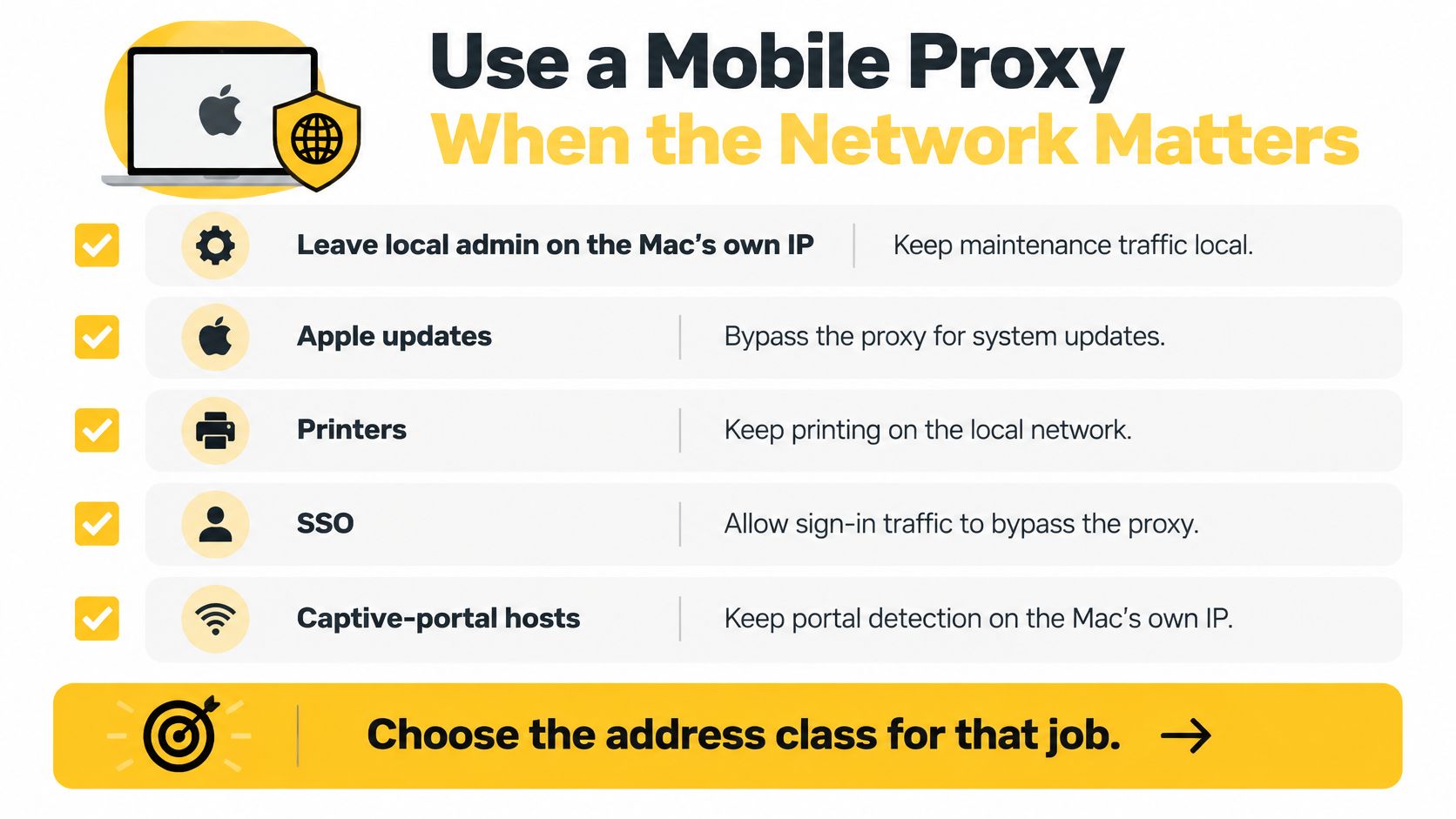
Keep local administration, printers, company SSO, system updates, and captive-portal hosts direct when that matches your organization's security policy. Sending those requests through a cellular exit adds dependencies without improving the test.
Enter the mobile endpoint and retest
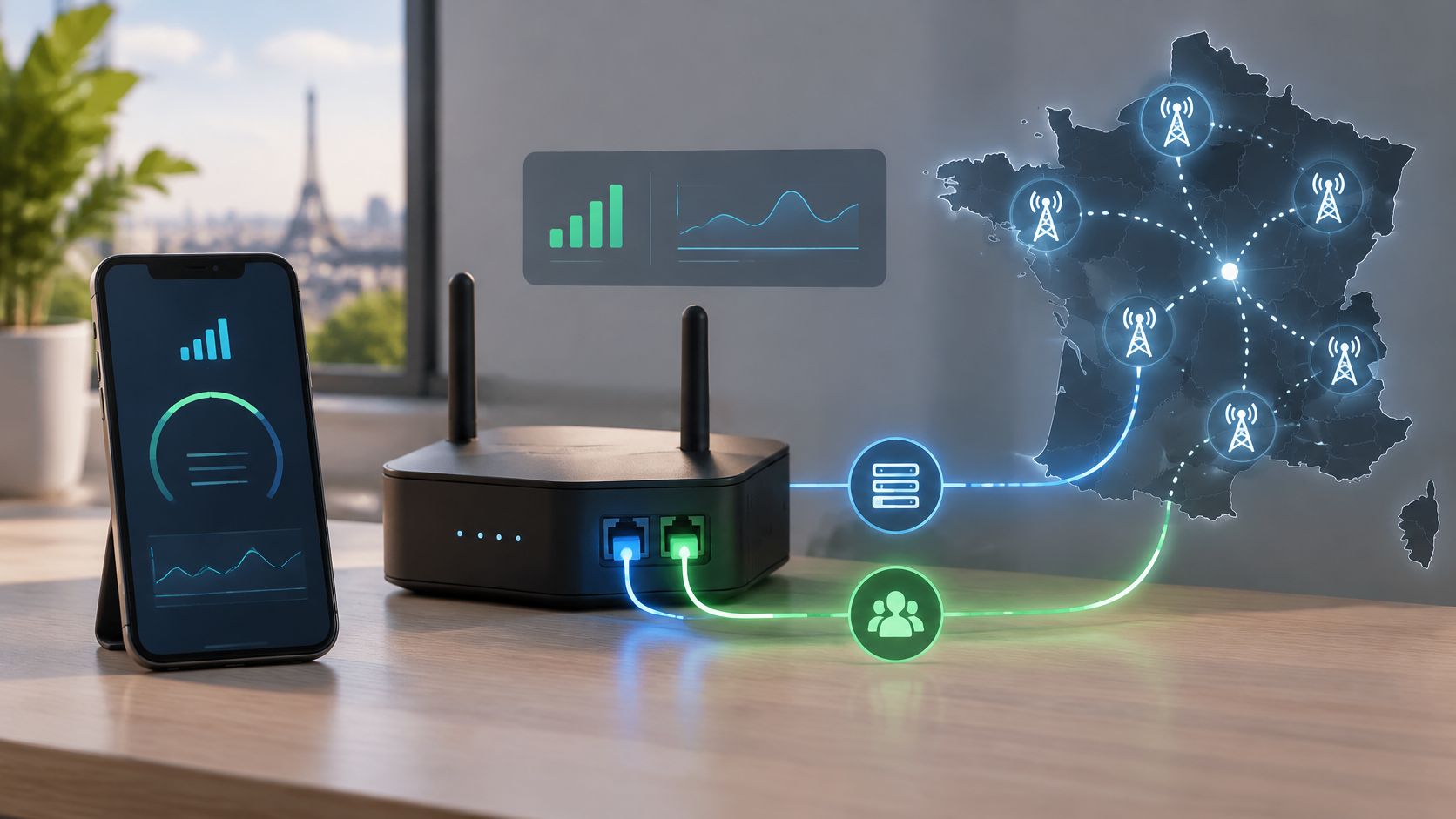
Evoproxy offers personal and shared 4G/LTE/3G mobile ports from France, with country- and carrier-oriented routing options, session controls, and HTTP or SOCKS5 access. Our personal ports use dedicated hardware and offer bandwidth of up to 50 Mbps, while customers have access to over 1,500,000 mobile IP addresses. Shared ports suit short tests; a personal port fits longer workflows where continuity or exclusivity matters.
Enter the issued hostname or address, port, and protocol in the network service, application field, or shell that already passed verification. Keep a sticky session during a login or authorized transaction test, and rotate between independent checks rather than during an active session.
Before accepting the configuration, verify the workflow rather than just connectivity:
- Required requests: Repeat the browser and explicitly proxied curl checks against the intended country and carrier.
- Resolution path: Confirm that the application uses the DNS behavior your location test requires.
- Excluded traffic: Check that maintenance and sign-in destinations still follow their intended direct route.
If the address and carrier are correct but the workflow still fails, investigate application state, permissions, and account behavior. Stop changing locations when location isn't the problem.
Evoproxy provides French mobile connectivity with HTTP or SOCKS5 access for workflows where carrier context and session control matter. Visit Evoproxy to try a mobile 4G port for your verified Mac workflow, then repeat the traffic checks before putting it into regular use.