Your morning starts with five client accounts flagged, a price crawl returning consent pages, and an ad check that loads fine from the office but not from the target city. Nothing in your code changed overnight. What changed is how the destination judged the network you arrived from, and that's the problem to solve first.
Why a Proxy for Restricted Websites Is a Routing Problem, Not a Speed Problem
An SMM lead sees this pattern often. Accounts that behaved normally for weeks suddenly face login challenges in the same morning. The usual response is to buy a faster endpoint, rotate more aggressively, or blame the platform. None of that answers the basic question, which is what network origin the destination sees when your request arrives.
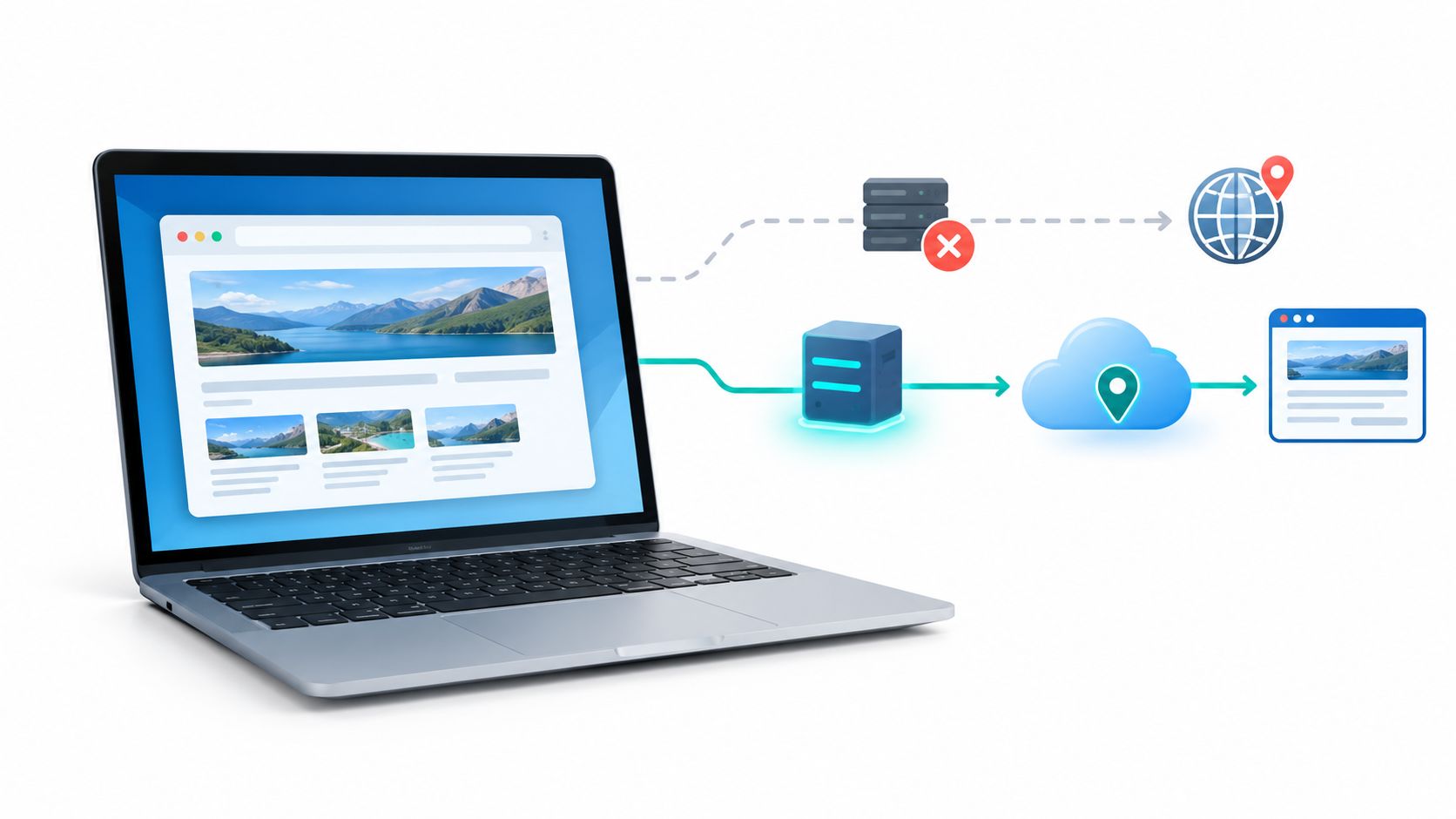
A proxy for restricted websites changes that origin. Your browser or script sends the request to an intermediary, and the destination sees the intermediary's IP address and ASN, meaning the autonomous system number that identifies the network announcing that address. If the block is tied to location, network reputation, or a local filter, changing the route can change the outcome. If the block is tied to your account, device, or behavior, it won't.
That's why speed leaderboards mislead operators. A quick endpoint that lands in the wrong country, leaks DNS, or breaks a logged in session is useless. A slower endpoint that preserves location, session identity, and expected content can be the right tool.
Practical rule: Treat every new endpoint as an experiment in routing, identity, and compliance, not as a bandwidth purchase.
The same diagnostic mindset applies outside social media. QA teams check localized onboarding, affiliate teams verify landing pages, and researchers compare what's reachable from another network. Even media workflows hit this, which is why a practical download blocked videos guide is useful context for how region checks affect ordinary retrieval tasks.
What to name before you buy anything
- Restriction type: Is it censorship, geo-restriction, platform policy, or anti-bot screening?
- Session needs: Does the workflow require a sticky session, where the same IP persists, or planned rotation between tasks?
- Proof of access: Can you verify final content, not just a successful status code?
Answer those three questions first. Your proxy family, protocol, and benchmark follow from them.
The Four Kinds of Website Restriction You Will Actually Face
Government or network level censorship blocks reachability before the destination has a say. A 2016 academic review reported that mainland Chinese users couldn't directly reach Twitter, Facebook, Google, YouTube, and Blogspot, and that 131 of the 937 most visited domains in the Alexa Top 1000 were blocked as of May 16, 2016, as detailed in the UCLA review of China's filtering system. Mechanisms included DNS poisoning, where name resolution is redirected or prevented. Scale is also messy. In a 2022 measurement summarized by The Record, researchers estimated about 311,000 domains were blocked, with roughly 41,000 appearing accidental, according to The Record's summary of the Great Firewall measurement. A proxy outside that jurisdiction changes the route, but you must consider local law first.
Commercial geo-restriction is different. The site is reachable, but it serves different prices, catalogs, ads, or rights restricted content based on apparent country. Here, accurate geo-targeting matters more than anonymity. You need the exit to match the market you're testing, and you need to confirm the localized result rendered.
When changing the IP does not change the decision
Platform policy and account level controls act after identification. A suspended account, missing permission, or failed authentication stays blocked from a new address. Using a proxy to evade an account enforcement is a policy risk, not a routing fix.
Anti-bot and anti-fraud defenses score the whole request. IP reputation is one signal alongside cookies, browser fingerprints, timing, and request patterns. You may get a CAPTCHA or challenge page even with a clean exit.
Restriction is widening. Domain blocking was observed in 163 countries in a study covering September 2024 onward, as reported in the IFIP study of global domain blocking.
Name the bucket by comparing DNS, TCP, TLS, and HTTP behavior from two lawful networks. Don't assume every timeout is censorship, and don't assume every block should be bypassed.
Mobile, Residential, and Datacenter Proxies Compared
Mobile 4G and 5G proxies exit through carrier networks. They're harder for destinations to block cleanly because carriers place many subscribers behind carrier-grade NAT, where one public egress can represent many legitimate users. Blocking that address aggressively risks blocking ordinary customers, so platforms often apply more friction instead of a blanket ban. The trade-off is cost, variable throughput, and IPs that can change as the device reconnects.
Residential proxies exit through home broadband connections. Their ASN looks like a consumer ISP, which suits market research, SEO monitoring, and localized QA where you need a plausible household network. Quality depends heavily on how the addresses were sourced and whether consent and session control are clear.
Datacenter proxies exit from hosting ranges. They're typically fast, stable, and cheaper, which makes them fine for accessing your own infrastructure, public documentation, or low risk checks. They're also easiest to classify. If a destination distrusts hosting ASNs, you'll see challenges quickly regardless of speed.
Proxy family trade-offs at a glance
| Dimension | Mobile 4G/5G | Residential | Datacenter |
|---|---|---|---|
| Network source | Carrier device | Home broadband | Hosting provider |
| Detection risk | Lower, shared carrier egress | Moderate, depends on sourcing | Higher, recognizable ASN |
| Session stability | Good with sticky controls, can drift | Varies by pool design | Usually most stable |
| Speed profile | Variable by signal and congestion | Variable by household link | Usually fastest |
| Best fit | Social account operations, ad verification, mobile QA | Price checks, SEO, market research | Internal testing, low sensitivity retrieval |
| Main cost driver | Hardware, SIM, data | Address supply and rotation | Server and bandwidth |
Choose by the destination's likely decision. If it distrusts datacenter ranges, paying less for one doesn't save money. If you're only checking whether your own staging site resolves abroad, mobile is probably unnecessary.
Operator note: Match the proxy family to the identity your legitimate workload already has. Don't use rotation to manufacture a new identity every few requests.
Picking the Right Protocol and Configuring It Correctly
An HTTP proxy is tied to web traffic. For HTTPS, the client asks the proxy to open a tunnel to the destination using the CONNECT method, then TLS runs through that tunnel. That's the common choice for browsers, HTTP clients, and tools that already understand web proxy settings.
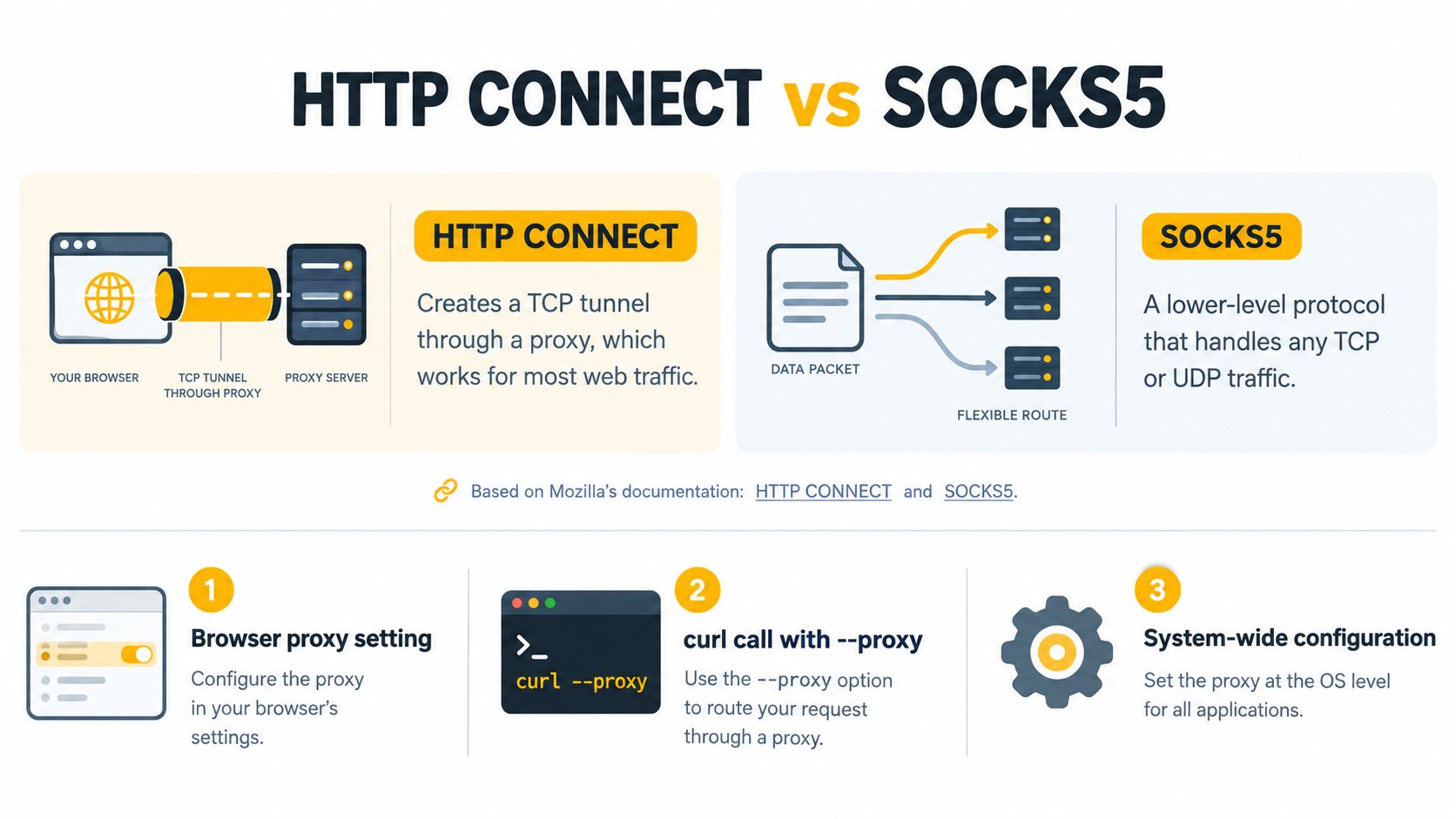
SOCKS5 works lower in the stack. It establishes a more general TCP oriented tunnel for applications that support SOCKS, so it's useful when the tool isn't purely an HTTP client or when you need proxy side DNS handling. Mozilla exposes distinct values for HTTP, HTTPS, SOCKS4, and SOCKS5 in its Mozilla documentation for proxy configuration, which confirms this is an implementation setting, not branding. For a deeper protocol walkthrough, see the SOCKS5 proxy reference.
Three configuration patterns that cover most work
- Browser profile: Set the proxy host, port, protocol, and credentials in a dedicated profile. Keep that profile's cookies and language aligned with the exit country.
- curl test: Run a single request through the endpoint using the proxy option and your authentication, then inspect status, headers, and final URL. This isolates proxy failure from browser state.
- Python requests session: Create one session, assign the same proxy to HTTP and HTTPS, and reuse it for the whole workflow. That preserves cookies and avoids accidental direct requests.
Then decide on IP rotation. Use sticky sessions for login, checkout, account management, and any multi-step flow. Rotate between separate, permitted tasks, or on demand when your provider offers a rotation link, rather than mid-session. Timed rotation every few minutes suits stateless public page checks, but it'll break authenticated work if the IP changes under an active cookie jar.
Finish with ASN and geography. Select country first, then carrier or ISP where that choice exists, and verify the reported exit matches before production traffic starts.
Benchmarking an Endpoint Before You Trust It
Don't certify an endpoint because one restricted page loaded once. Run every target URL through two paths in parallel, the proxy route and an unrestricted control route. That comparison separates a genuine block from an outage, a bad credential, or a broken destination.
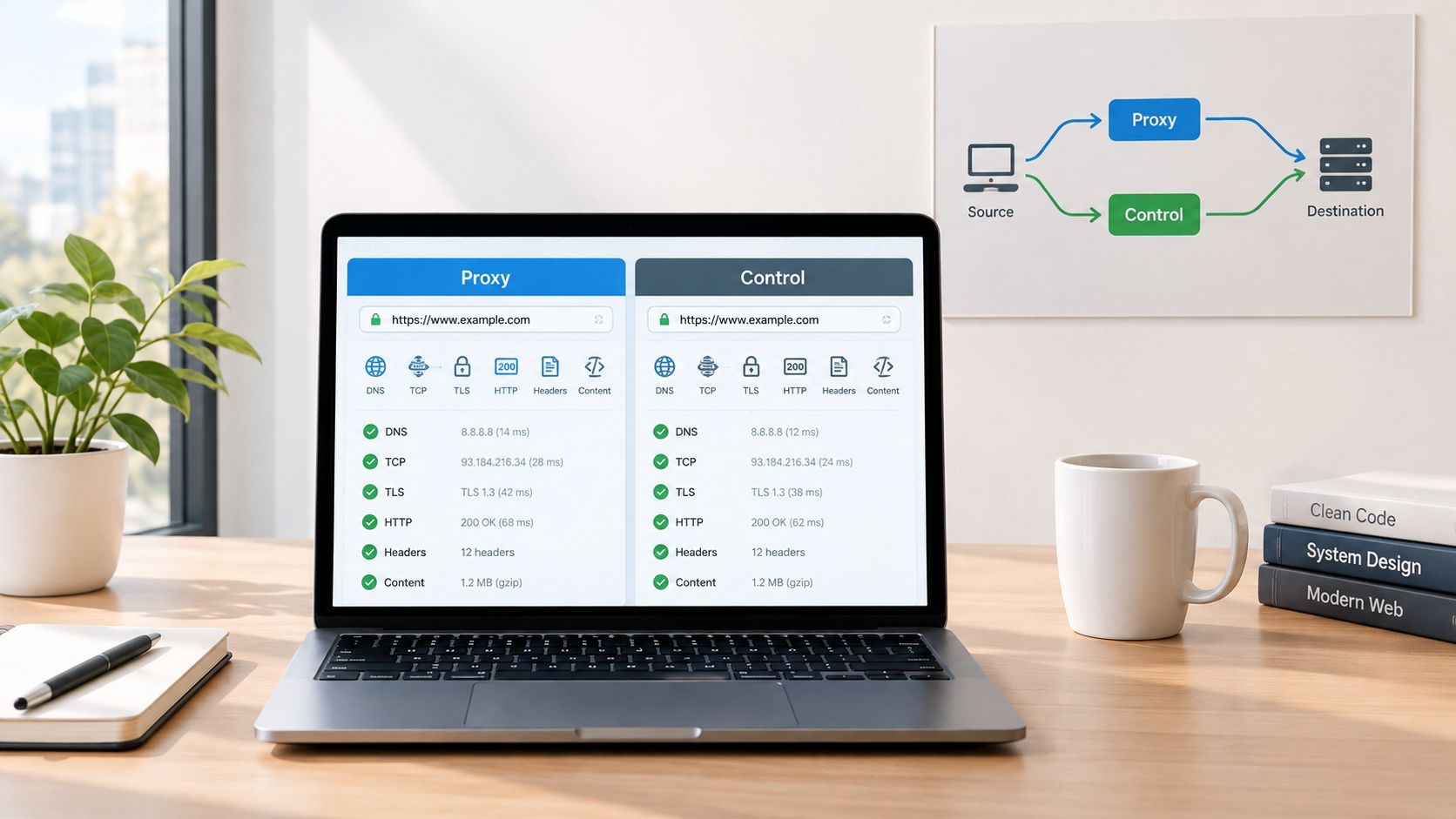
For each attempt, capture resolver identity, DNS answers, TCP outcome, TLS handshake, HTTP status, headers, title, and body length. Classify the first divergence as DNS interference, TCP or IP blocking, HTTP failure, or content mismatch. This mirrors the method described in OONI guidance on interpreting web connectivity results, which warns that instability at the destination can also create an anomaly. Run at least three repetitions per URL and repeat across networks where you can.
Score the result with a written acceptance rule
- Success rate: Count successful proxy retrievals divided by valid attempts. Exclude cases where proxy and control both fail.
- Latency: Record median and p95 time to first byte, completion time, and throughput at different times of day.
- Identity retention: Confirm the intended country, ASN, and session persisted for authenticated flows.
- Content validity: Check expected page markers, because a 200 response can still be a CAPTCHA or consent wall.
A practical gate is at least 95% successful completions, with investigation triggered by more than 1% unexplained 5xx, timeout, or authentication failures, consistent with the reliability and TLS cautions in the IETF draft on TLS proxy risks. Never send credentials through an endpoint that rewrites TLS or fails certificate verification.
Use a structured proxy detection test procedure to record leaks and exit attributes alongside those scores.
Compliance, Terms of Service, and Why IPs Alone Will Not Save You
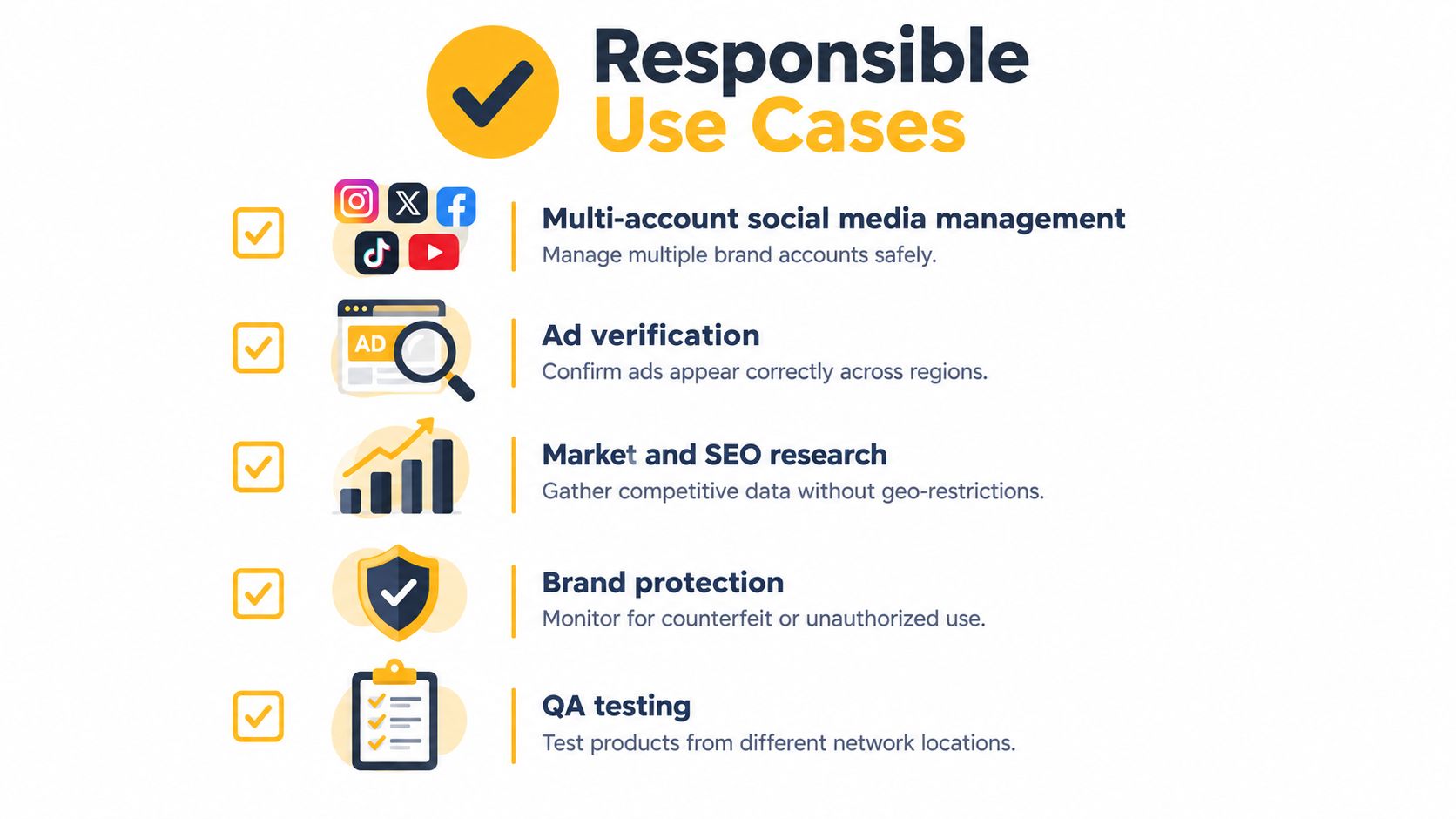
Legitimate workloads are clear. Teams use a proxy for restricted websites to manage brand social accounts with permission, verify ads in market, monitor prices and search results, protect trademarks, test localized flows, and reduce unnecessary exposure of office addresses. Fraud, credential abuse, ban evasion, and scraping against site rules sit outside that boundary.
Publishers are drawing their own lines too. In an analysis of more than 16,900 popular domains, only 2.8% were fully protected against the tested automated threats in 2025, while 88.9% of analyzed robots.txt files explicitly disallowed GPTBot, as documented in the DataDome global bot security report. Weak blocking doesn't imply permission. For the legal side of automated collection, HarvestMyData on scraping laws is a useful starting reference, alongside this overview of whether proxy servers are legal.
A new IP doesn't repair a burned session, an inconsistent fingerprint, or a workflow the site never authorized.
That's the answer to the common complaint, why am I still blocked after changing my IP. Destinations also evaluate behavior, device signals, cookies, session history, and request cadence. Rapid rotation can increase risk because the account appears to jump networks in ways ordinary users don't.
Habits that keep legitimate work reliable
- Use transparent QA accounts: Test with identities your organization controls and can explain.
- Keep rates low: Space requests, honor crawl limits, and stop when a site signals overload.
- Keep sessions stable: Don't rotate inside login, publishing, or payment flows.
- Respect access rules: Check terms, robots directives, and data rights before automating collection.
Troubleshooting the Failures You Will Actually Hit
Start with the symptom, then find the first layer where proxy and control disagree. That order prevents hours of random rotation.
Connectivity failures that look like blocking
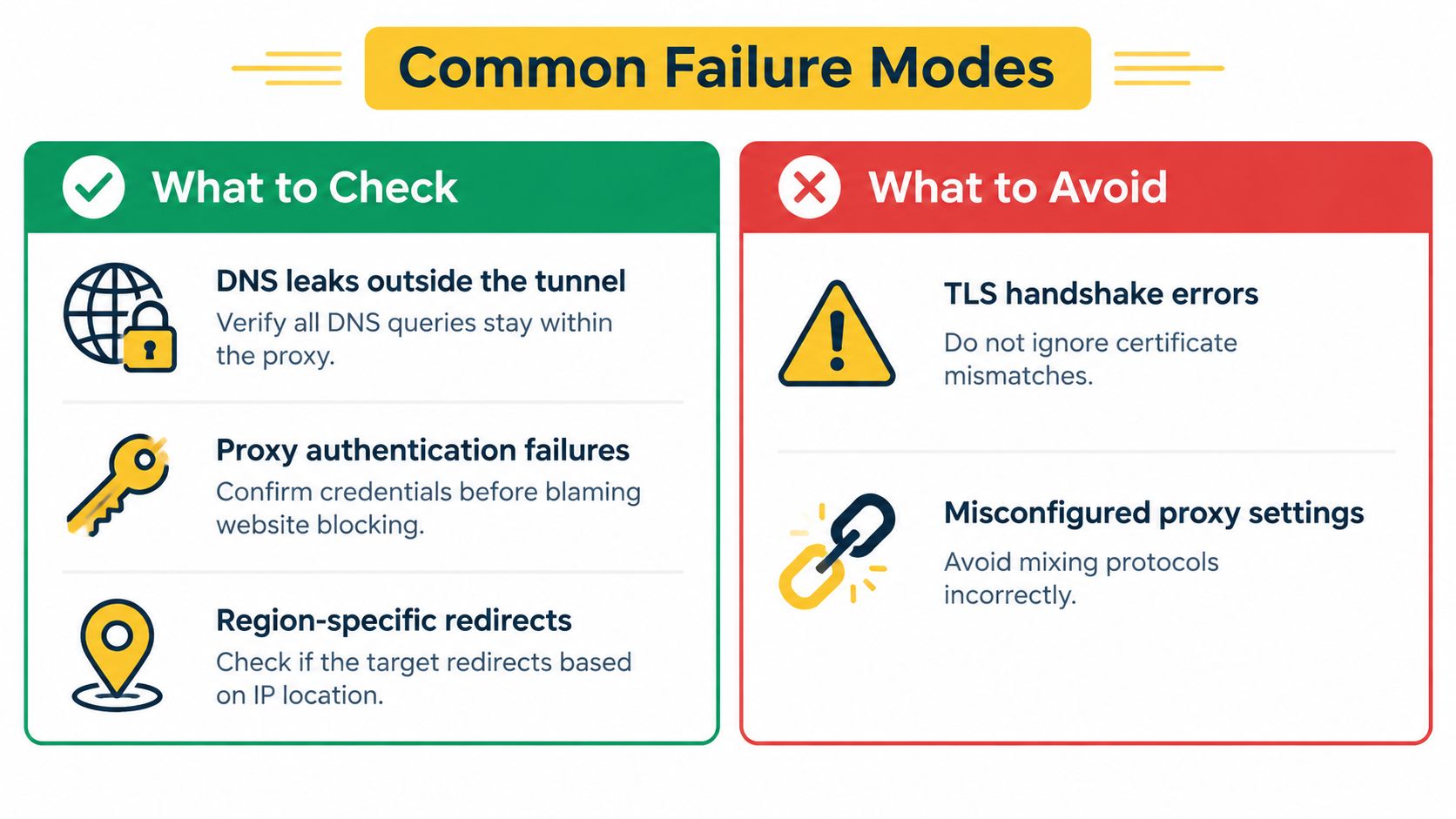
- DNS leak: The page fails or resolves locally while the web exit is abroad. Check which resolver answers inside the browser or client, then force proxy side DNS where your protocol and tool support it.
- Authentication failure: You get a proxy error before the destination responds. Test credentials with one simple request and confirm your source address is allowlisted if the provider requires it.
- TLS or SNI failure: TCP connects, then the handshake breaks. Compare certificate chain and hostname through both routes, and reject endpoints that terminate or rewrite TLS unexpectedly.
- Protocol mismatch: The app ignores the setting or connects directly. Confirm it supports the exact HTTP or SOCKS5 mode you configured, instead of assuming a system setting applies.
Successful responses that are not usable access
Region specific redirects send you to another domain, language, or catalog. Record the full redirect chain and final URL, then verify country signals in the page itself. A redirect isn't always failure, but it's failure if your ad, price, or QA assertion depends on a specific market.
Challenge pages are the quieter problem. The status is 200, the screenshot looks polished, and the content is a CAPTCHA, consent prompt, or bot check. Validate expected headings, product data, or logged in state. Don't mark the run green on status alone.
Broken sticky sessions show up as sudden logouts, empty carts, or repeated verification. Log the exit IP at session start and at failure. If it changed, fix the session parameter or rotation interval before touching request logic.
Shared mobile reputation explains some failures that look unrelated to your traffic. RFC 6598 reserves 100.64.0.0/10, which is 4,194,304 addresses, for shared service provider infrastructure. One mobile egress can therefore represent many subscribers, so a rate limit or reputation event can be pool wide rather than caused by your device alone. Retest on the control route, slow down, and change session only between tasks.
The decision flow to use in production
- Identify the restriction: Censorship, geo-restriction, platform policy, or anti-bot.
- Match the family: Mobile, residential, or datacenter based on ASN trust and session needs.
- Wire the protocol: HTTP CONNECT for web native tools, SOCKS5 where the application needs a lower level tunnel.
- Benchmark both routes: Require repeated content validated success, not a single load.
- Add the compliance gate: Permission, terms, rate, and stable identity before scale.
If your workload is legitimate social management, affiliate validation, ad verification, or QA that needs a stable French mobile footprint, trial a mobile 4G proxy against that exact workflow. Keep sessions sticky where they should be, measure the control route beside it, and promote the endpoint only after it passes your written acceptance rule.
If you need French mobile exits for permitted social management, ad verification, market research, or geo dependent QA, Evoproxy offers personal and shared 4G ports with adjustable rotation and sticky session options. Start with one workload, benchmark it against a control route, and scale only the configuration that proves itself.