
A dedicated mobile proxy is often sold as the answer to blocks, failed logins, and unreliable location testing. That advice is incomplete. A carrier-network IP can improve the network side of a workflow, but it can't make inconsistent sessions, aggressive automation, or deceptive account activity look legitimate. Teams get better results when they treat the proxy as one controlled part of a broader testing and operations setup.
Why Mobile Proxies Are Not a Magic Shield
A social media team assigns one dedicated mobile proxy to each account, keeps the accounts in the same country, and expects the friction to disappear. Instead, several accounts receive verification challenges. A few sessions break after logins. Some activity is limited even though the public IPs belong to mobile carriers.
The proxy may not be the problem. Platforms can evaluate account age, device fingerprints, login continuity, posting cadence, payment signals, session patterns, and coordinated activity. A carrier IP can reduce one network-level concern, but it doesn't override those account-level signals. Recent fraud research also identifies mobile device emulation among major fraud methods, and one 2025 analysis reported mobile fraud as 25.09% of classified fraudulent activity in its dataset. That finding is reported in the cited fraud analysis, but it shouldn't be treated as a universal benchmark for every platform.
Practical rule: A dedicated mobile proxy can give a workflow a more credible network route. It can't supply credible behavior.
Mobile networks do carry useful trust characteristics. Carrier-grade NAT places many ordinary subscribers behind shared public addresses, so a platform that blocks a carrier range too aggressively could affect legitimate users. That context can make mobile traffic look different from traffic originating in an obvious hosting range. Yet the same shared architecture means a mobile IP isn't a personal identity signal.
Use dedicated mobile proxies for controlled, legitimate work such as account management within platform rules, ad verification, market research, SEO monitoring, brand protection, and geo-dependent QA. Don't buy them expecting immunity from detection or permission to bypass access controls. The right question isn't “Will this IP avoid every block?” It's “Which network signal does this solve, and which risks remain in the workflow?”
What a Dedicated Mobile Proxy Actually Is
A dedicated mobile proxy routes your traffic through a SIM-enabled modem or device connected to a mobile operator's 3G, 4G, or 5G network. The public egress is reserved for your use, or the provider gives you controlled access through a particular mobile port. Websites see a carrier-associated public address instead of a conventional cloud-hosted range.
That distinction matters because source and exclusivity are separate properties. A mobile proxy can be shared by several customers, while a dedicated plan limits access to one customer. A residential proxy uses a home or consumer ISP connection. A datacenter proxy runs through server infrastructure and usually offers speed and predictable capacity, but its hosting origin can be easier for defensive systems to classify. The broader technical distinction is outlined in this guide to mobile proxies.
| Proxy type | Source | Exclusivity | Detection risk | Best fit |
|---|---|---|---|---|
| Dedicated mobile | SIM and carrier network | Reserved for one user or controlled port | Lower network-level suspicion, but not invisible | Account continuity, mobile QA, carrier-sensitive checks |
| Shared mobile | SIM and carrier network | Used by multiple customers or workflows | Depends on shared history and rotation | Short tests, broad collection, budget-sensitive work |
| Residential | Home or consumer ISP connection | May be shared or reserved | Often credible, but not necessarily mobile-looking | General research and location-aware browsing |
| Datacenter | Hosted server range | Often dedicated or pooled | Easier to classify by hosting origin | High-throughput, lower-sensitivity collection |
A dedicated mobile proxy also differs from a static residential or ISP proxy. The latter may offer a stable address associated with an ISP, while the mobile option carries a carrier-network context. Neither category is automatically “safe.” Quality depends on routing, reputation, session control, authentication, and whether the traffic pattern matches the stated use case.
When buying, ask whether “dedicated” means exclusive public egress, an exclusive port, or just a private login to a shared pool. Those aren't interchangeable promises.
How Carrier Networks Shape Proxy Behavior
A mobile IP can look like a familiar carrier connection while hiding a complicated path underneath. Mobile traffic commonly passes through carrier-grade NAT, or CGNAT, which translates traffic from many devices into a smaller pool of public IPv4 addresses. The modem's internal address is therefore not necessarily the address a website observes. For background on the access technology behind these connections, see this LTE connectivity overview.
The carrier architecture has a formal foundation. RFC 6598 reserves 100.64.0.0/10, or 4,194,304 addresses, as Shared Address Space for links between customer equipment and carrier NAT devices, as documented by the RFC 6598 specification. This range differs from private RFC 1918 space and gives operators room to manage IPv4 scarcity.
What the destination actually sees
A destination generally evaluates the public egress IP, translated source port, ASN, and connection behavior. The ASN, or autonomous system number, identifies the network operator announcing the address. Two devices using the same carrier can appear behind one public IP without belonging to the same subscriber or session.
That shared path affects more than address ownership. CGNAT can limit peer-to-peer connectivity, reduce available port control, and complicate long-lived connections. A provider may describe a port as dedicated because your account alone can access it, while the carrier still shares the public address across subscribers.
City-level location is another common source of confusion. A mobile egress may support a reliable country-level test while resolving to a gateway in a different region. Carrier routing and NAT placement make city-level geolocation an approximation, not proof of where the device or user is located. The IETF RFC 7620 discussion of mobile NAT behavior explains why internal and translated external addresses should not be treated as one-to-one location or identity signals.
Rotation and sticky sessions
Rotation changes the observed egress according to a request rule or time interval. It suits stateless collection, where each request can stand alone. Sticky sessions keep a route stable for a defined period, which matters when authentication or application state is tied to the observed IP.
Changing addresses during login can create a less consistent pattern than keeping one route. Before scaling, record the external IP, port behavior, response time, and session continuity during rotation events. A dedicated mobile proxy can provide controlled carrier access, but it cannot remove the behavioral signals created by rapid requests, repeated logins, or inconsistent sessions.
For historical context, the expansion of mobile connectivity created the infrastructure these services depend on. The International Telecommunication Union's 2009 figures recorded mobile subscriptions rising from approximately 1 billion in 2003 to 4.6 billion by the end of 2009, while mobile broadband subscriptions overtook fixed broadband subscriptions in 2008.
Real Benefits and Honest Limits
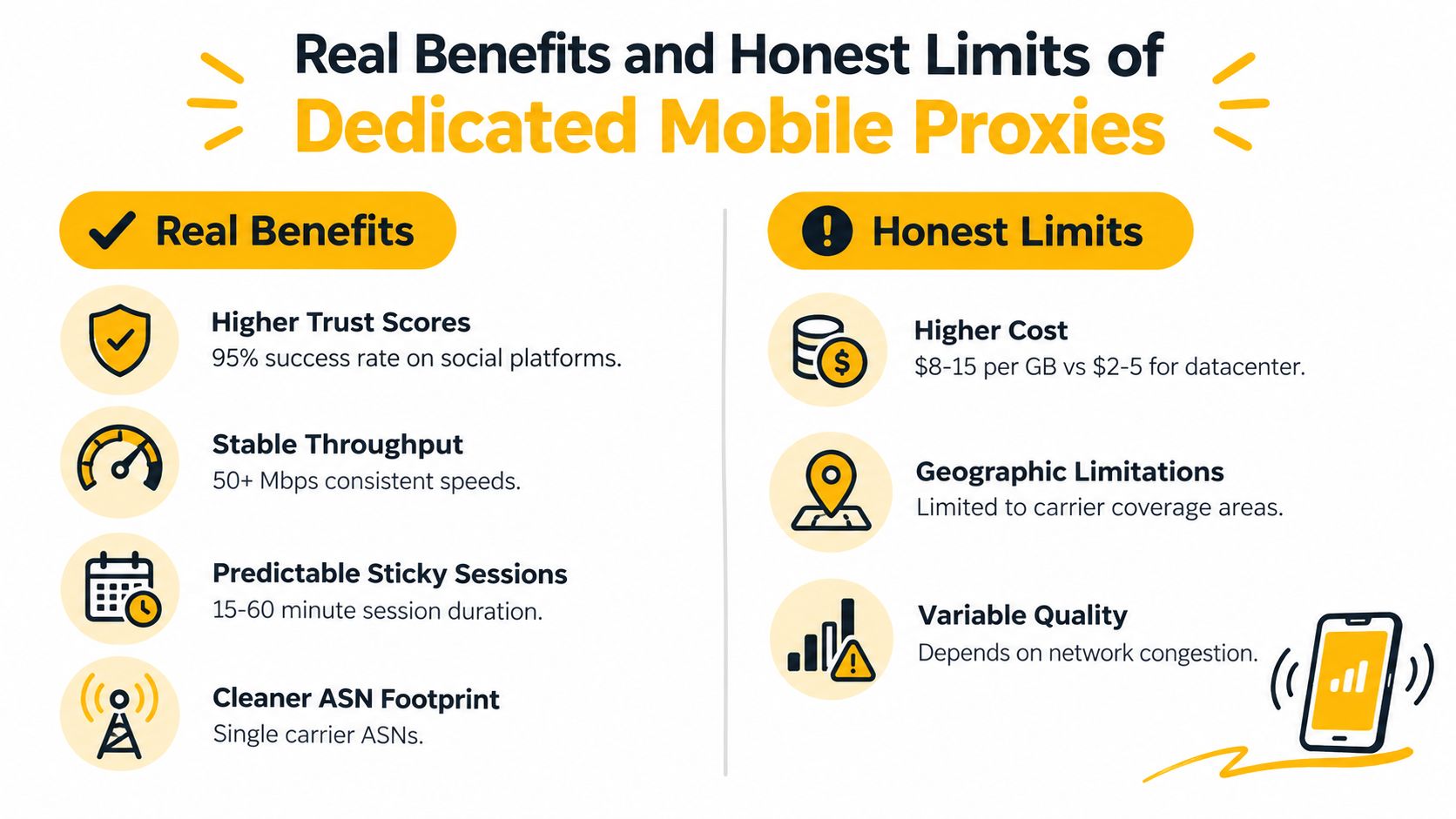
A dedicated mobile proxy earns its place when the network itself is relevant to the test. Mobile-first applications, carrier-sensitive advertising checks, social account operations conducted within platform rules, and mobile SERP validation can all require more than a generic server route.
The practical benefits are straightforward:
- Cleaner ownership: Other customers aren't directly using your reserved proxy access, so their activity is less likely to affect the route you operate.
- Carrier context: The connection originates through a mobile operator rather than an obvious hosting network.
- Session control: Sticky routing can preserve continuity through a login or multi-step QA flow.
- Operational consistency: A known port, carrier, and rotation policy make troubleshooting easier than an uncontrolled shared pool.
Those advantages justify a higher price in the right workflow. They don't justify claims that a mobile IP is invisible.
The city-level geolocation trap
A French mobile egress may consistently support a France-level test while resolving to a gateway in another region. IETF geolocation work warns that carrier gateways can make city-level results unreliable, even when country-level classification is more useful. The IETF IP geolocation workshop report recommends treating mobile location as a signal rather than a precise physical coordinate.
Recent measurements across 37,302 observations in 175 countries found median mobile-IP location errors of 179 to 207 kilometres across four major geolocation databases, compared with 3 to 16 kilometres for fixed broadband. Fewer than 1% of observations were assigned to the wrong country, which illustrates the practical split: country-level results can be strong while city-level precision remains weak. These findings are summarized in the mobile geolocation analysis.
Test the actual target service, not only an IP lookup page. Record country, region, city, ASN, timezone, language, browser signals, and application content separately. A proxy can pass the country check while failing a city-sensitive store, tax, language, or advertising test.
The behavior limit
A mobile-looking IP doesn't replace fraud controls or authentic user behavior. Platforms can still compare device fingerprints, account history, session patterns, posting cadence, payment details, and coordinated actions. Use gradual, policy-compliant activity and consistent sessions, and don't describe a network improvement as a bypass.
Use Cases That Fit a Dedicated Mobile Proxy
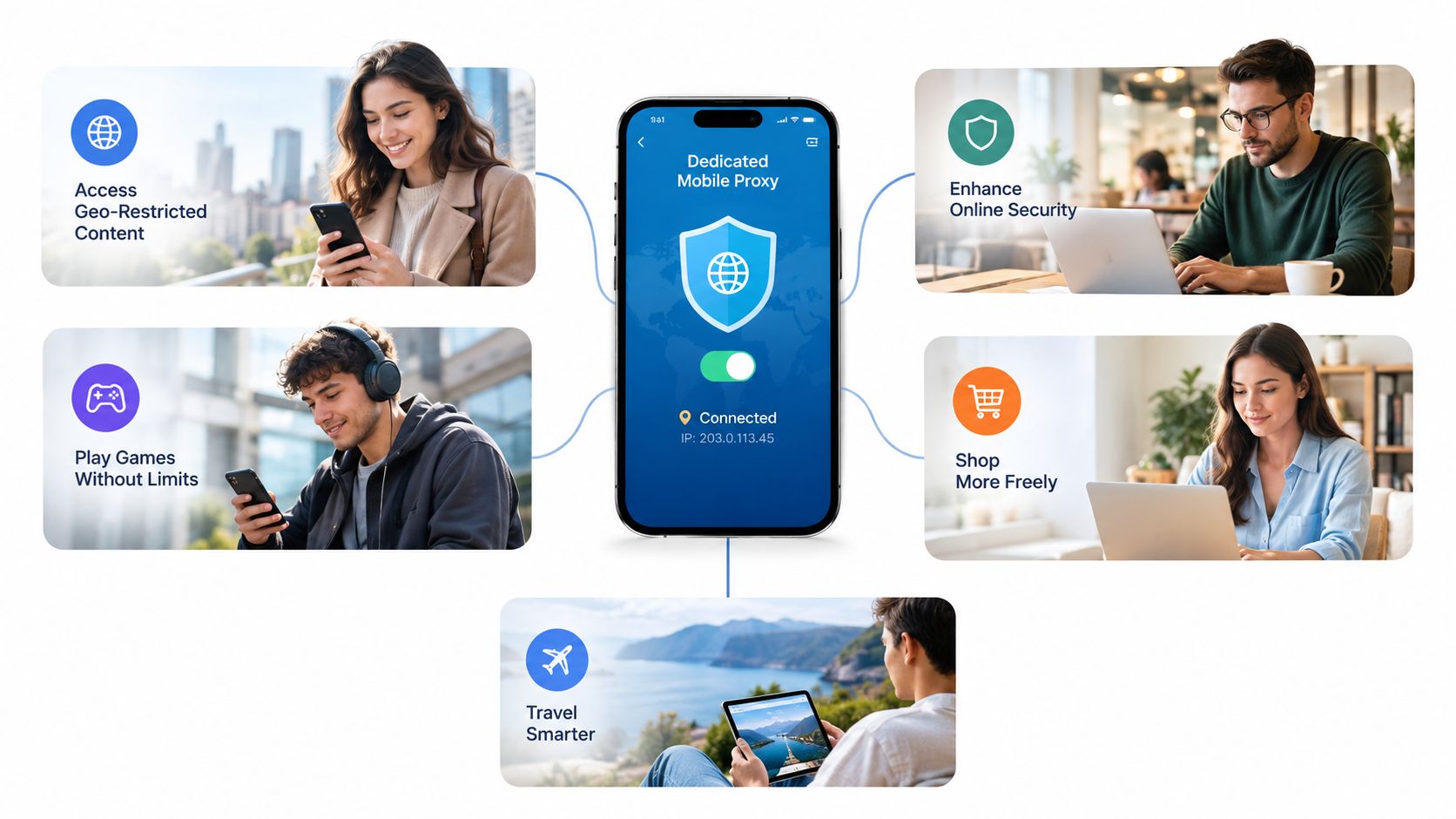
A dedicated mobile proxy fits best when the network origin is part of the question, not when a team wants to send more requests.
Social media management
An agency managing several approved brand accounts can assign a stable mobile route to each account's normal operating environment. The team keeps sessions sticky, limits concurrent activity to what the platform permits, and maintains clear ownership of credentials and content. It shouldn't use rotation to conceal coordinated abuse or to evade account restrictions.
The important traffic pattern is stateful and moderate. Login, navigation, publishing, and analytics checks should remain consistent. A separate test environment can handle broader collection, but account workflows shouldn't flip between unrelated routes.
Ad and affiliate verification
An ad operations team may need to confirm that a mobile campaign renders correctly for a selected country, carrier context, language, and landing-page flow. Rotating routes can help compare independent observations, while sticky sessions are better when the check includes a click, redirect, and page-load sequence.
Keep the work within advertiser and publisher rules. Verify creative delivery, regional content, redirects, and disclosure behavior. Don't use proxy variation to generate artificial impressions, clicks, leads, or conversions.
Geo-dependent QA
A QA team testing a regional checkout or app flow should isolate variables. Route the browser through the intended mobile egress, control language and timezone, clear cookies, and compare the result with a known control. Test several rotation events because a carrier gateway can change the apparent region even when the SIM remains the same.
The proxy tests network origin. It doesn't automatically change GPS, account country, browser locale, cookies, or URL parameters. Document each signal so the team knows whether a failure belongs to routing, application logic, or the test environment.
Setup and Activation Essentials
Start with the application, not the proxy dashboard. A browser, scraper, test runner, API library, and automation worker may each require its own proxy configuration. Configuring one client doesn't route the others.
Choose the protocol
Use HTTP or HTTPS proxying when the client expects web-proxy semantics. Use SOCKS5 when the application needs a lower-level relay for multiple TCP-based protocols. Mozilla distinguishes HTTP proxy settings from SOCKS settings and documents SOCKS version selection in its proxy configuration reference.
Don't assume that a successful connection proves complete routing. Test DNS behavior, authentication, TLS handling, redirects, connection reuse, and whether any secondary request bypasses the proxy.
Select the session policy
Use rotating sessions for stateless research, broad availability checks, and independent ad observations. Use sticky sessions when the workflow contains a login, cart, redirect chain, or any application state tied to the observed IP.
Geo-targeting needs the same discipline. Google treats server location as one audience signal and separately recommends language and regional signals such as hreflang. Its international targeting guidance supports the practical conclusion that an IP alone won't control every localized result.
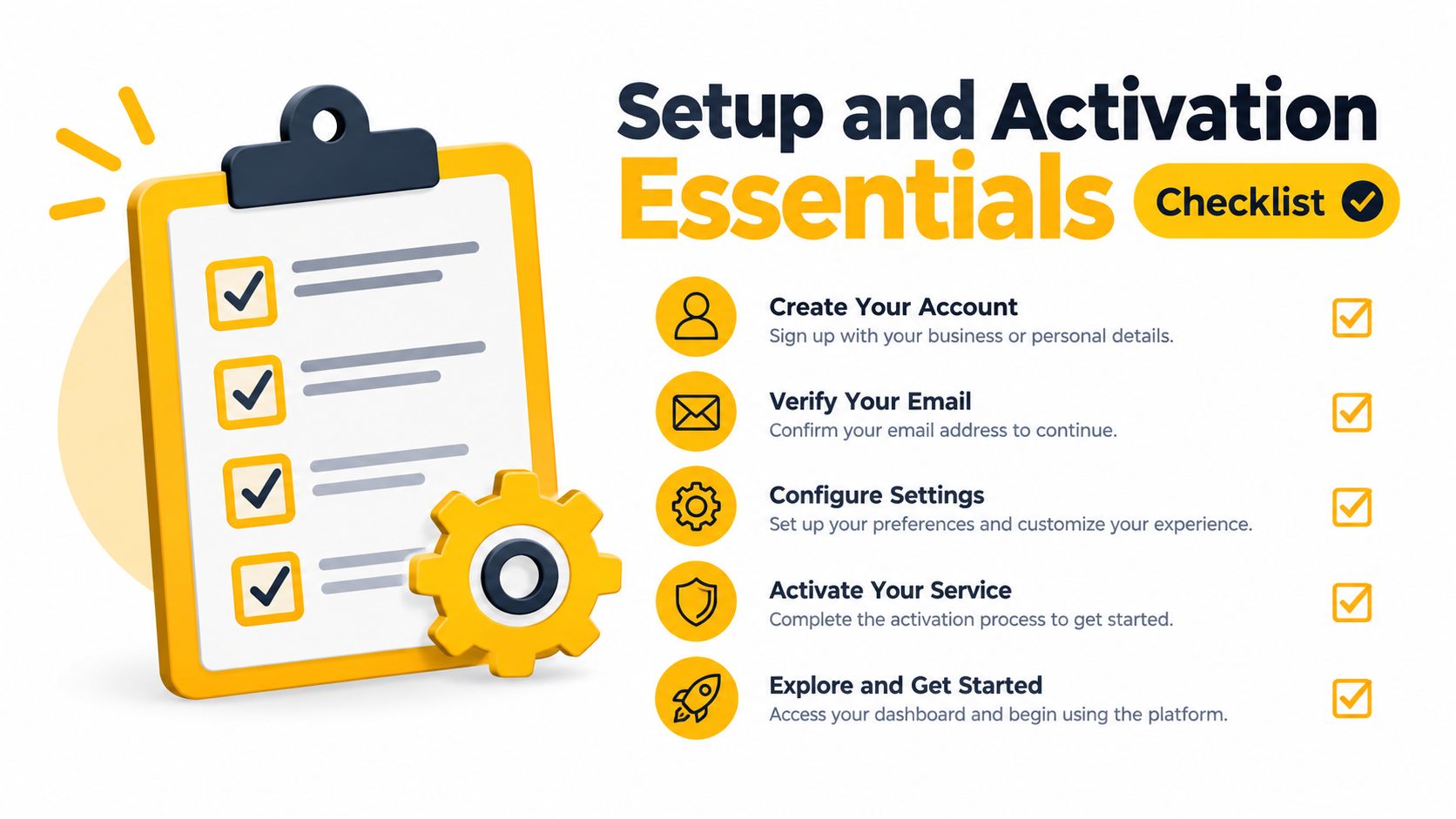
First-run checklist
- Confirm ownership: Verify that the plan provides the exclusivity or port control you need.
- Configure each client: Apply the host, port, credentials, and protocol to every browser or worker involved.
- Check the observed route: Record the external IP, ASN, country, and response behavior from the application itself.
- Test continuity: Run a login or multi-step flow with a sticky session and watch for mid-workflow changes.
- Validate localization: Compare country, region, language, timezone, and page content instead of trusting one geolocation database.
Dedicated vs Shared Mobile Plans
The choice between dedicated and shared mobile access is mostly a workload decision. Dedicated plans give you more control over the route and session behavior. Shared ports lower the entry cost and suit short tests, but the surrounding traffic and scheduled rotation may be less predictable.
For a concrete reference, Evoproxy describes personal mobile ports with 250 GB of monthly traffic, throughput of up to 50 Mbps, and configurable rotation from one to five minutes or through on-demand links. Its shared ports provide 50 GB of traffic with scheduled rotation. These are product details, so confirm current terms before purchase.
| Dimension | Dedicated mobile plan | Shared mobile port |
|---|---|---|
| Traffic allowance | 250 GB monthly on the referenced personal plan | 50 GB on the referenced shared option |
| Throughput | Up to 50 Mbps on the referenced personal plan | Depends on shared usage and carrier conditions |
| Rotation control | Configurable intervals from one to five minutes or on-demand links | Scheduled rotation |
| Session fit | Long-running, stateful workflows and controlled account operations | Short tests, lightweight research, and temporary QA |
| Budget profile | Higher commitment for exclusivity and control | Lower-cost entry for limited workloads |
A shared port can be sufficient for a quick country-level content check or a small research task. It becomes a poor fit when a team needs a stable route through a long workflow, predictable concurrency, or clear attribution for every session.
Before buying, define traffic in operational terms. How many workers will run at once? Which requests need state? How often can the route change? What happens if a session breaks? The answer usually matters more than the headline allowance. Review the provider's explanation of proxy bandwidth limits and test the plan under the concurrency your team expects.
Common Issues and How to Troubleshoot Them
A dedicated mobile proxy can be correctly configured and still fail a workflow. Diagnose the observed behavior first, then change one variable at a time.
Blocks despite a clean carrier IP
Start by separating network rejection from account or behavior friction. Test a neutral, permitted page through the same route, then compare the target application's response. If general connectivity works but one account receives challenges, inspect login continuity, device identity, account history, request cadence, and coordinated activity before replacing the proxy.
A carrier ASN can reduce suspicion associated with a hosting range, but it doesn't erase other risk signals. Keep sessions consistent, reduce unnecessary automation, and follow the platform's policies. Don't respond to a block by rapidly cycling through more addresses. That can create additional inconsistency and makes the cause harder to isolate.
Throughput is slower than expected
Run a controlled comparison with one worker and then the intended number of concurrent workers. Mobile performance varies with radio conditions, carrier congestion, routing distance, destination response time, and the amount of translation between device and public egress. A plan's advertised ceiling isn't a guarantee that every target will deliver data at that rate.
Check whether the slowdown affects connection establishment, server response, or download transfer. Then confirm that the client isn't retrying requests, opening excessive connections, or sending traffic outside the configured proxy. If the task is high-volume and low-sensitivity, a datacenter route may be a more rational fit. Reserve mobile capacity for workflows that need its carrier context.
Sticky sessions break mid-workflow
Record the observed public IP and session identifier at each major step. If the address changes unexpectedly, check whether the client is using the correct protocol, whether the provider's sticky window has expired, and whether the application opens a second connection that bypasses the proxy.
Some failures aren't actual rotation. A browser may send one request through an HTTP proxy while a separate service, extension, or worker uses another route. Authentication can also fail when credentials are applied to one process but not another. Isolate the workflow, disable unrelated extensions, and test a minimal sequence before restoring concurrency.
Country or city results don't match the SIM region
Don't infer physical position from the SIM alone. Mobile traffic may exit through a centralized carrier gateway, so the observed city can differ from the device's location. The IETF geolocation guidance discussed earlier supports country-level caution and city-level testing rather than blind reliance on an IP database.
Run the same request against multiple independent geolocation databases, then inspect the target application's content. Check DNS behavior, HTTP responses, language, timezone, cookies, browser locale, account settings, and any device location permissions. If country-level output is correct but city-level content is wrong, the proxy may be functioning normally and the target may be using a different localization signal.
A compact decision framework
Use a dedicated mobile proxy when:
- Carrier context matters: The test concerns mobile advertising, social workflows, or operator-sensitive content.
- Session continuity matters: The application requires a stable route through authentication or multiple pages.
- Exclusivity matters: Shared activity could contaminate your diagnosis or operating environment.
Choose shared mobile access when the task is short, stateless, and budget-sensitive. Choose another proxy category when speed and volume matter more than mobile-network context. In every case, start with a small permitted test, measure the actual target behavior, and scale only after the route, protocol, geolocation, and account workflow all pass review.
Evoproxy offers personal and shared 4G/LTE/3G mobile proxy ports, with dedicated hardware for personal plans, configurable rotation, automatic setup, and French mobile connectivity. If your team is evaluating multi-account social management, ad verification, market research, QA testing, or another compliant workflow, visit Evoproxy and test the configuration against your actual requirements.


